Best AI Tools for Entrepreneurs in 2026
Starting and growing a business has never been easier with the rise of technology.
But it also means that the landscape is even more competitive. Entrepreneurs are now expected to look professional from day one, actively keep up with the trends, do daily social media postings, and respond to their customers within minutes.
Luckily, there’s a wide selection of AI tools that can help alleviate that heavy workload. Whether it is an AI design tool or an AI tool for business and data analysis, you won’t run out of options.
But now comes another issue: how do you know which AI tool is perfect for you?
That’s what we are here for! We rounded up below the best AI tools for entrepreneurs in 2026, all categorized by their function. Whether you are launching a new business, looking to refresh your branding, or looking for the top AI logo maker to try, we’ve got you covered.
Best AI Tools Entrepreneurs Should Use in 2026
AI for Branding and Visual Identity
Branding is one of the hardest challenges for early-stage entrepreneurs.
Get it wrong, and you’ll risk looking unprofessional, mismatched, or confusing. Get it right, and you’ll be memorable and distinct to your audience.
These are the AI design tools that can make a professional visual identity accessible without hiring a design team:
BrandCrowd AI Logo Generator
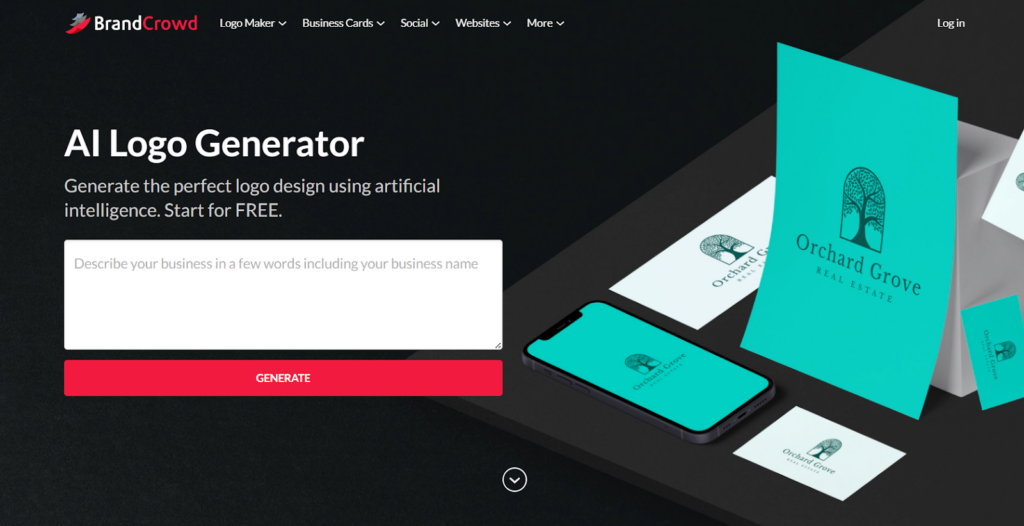
BrandCrowd helps entrepreneurs easily get the logo of their dreams with the AI logo generator. Simply enter your business name or a few keywords, and the AI will then whip up relevant logo designs for you to choose from. Each logo design can then be fully customized to fit your preferences.
What stands out about this tool is the quality of the designs you get. BrandCrowd’s AI pulls from its library of handcrafted designs rather than stock libraries. Since these designs underwent a thorough vetting process for quality, originality, and commercial safety, you’ll be sure that your AI-generated logo is high-quality and safe for business use.
Design.com AI Logo Generator
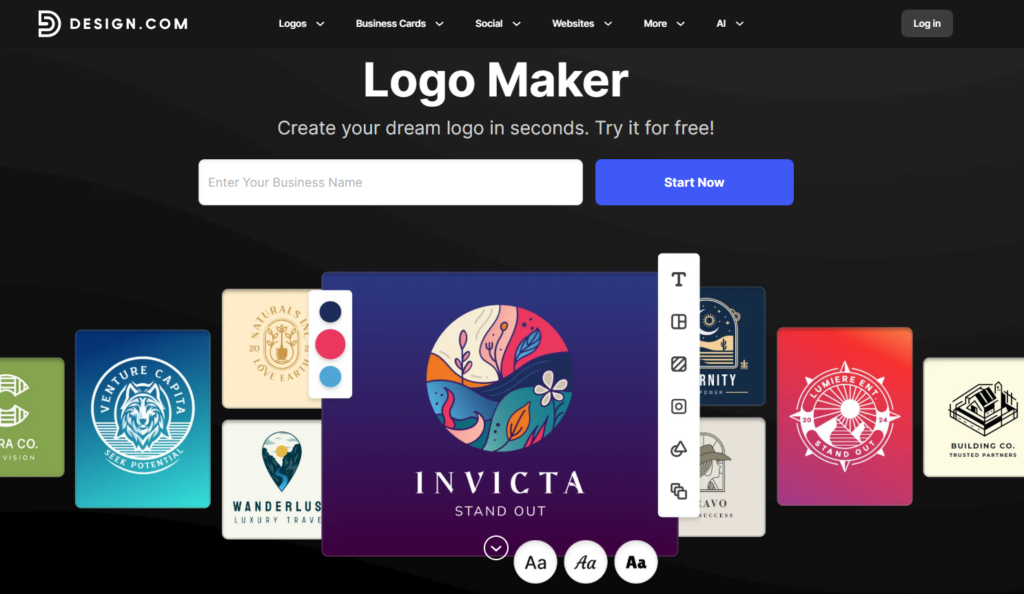
Another entry in the best AI logo generator tools to try is Design.com.
Design.com prioritizes speed and variety. Design.com’s AI can produce thousands of designs in seconds, making it one of the fastest in the market.
The sheer amount of options is also a plus since some logo generators can only produce a maximum of a dozen. You’ll never run out of designs to choose from. And your choices are great as well – these logos come in different styles, types, and vibe, so you’re not seeing identical things over and over.
All of the generated logos can be edited. The editor also comes in a drag-and-drop format, so it’s easy to use and control, even for non-designers.
Foresight AI Website Audit
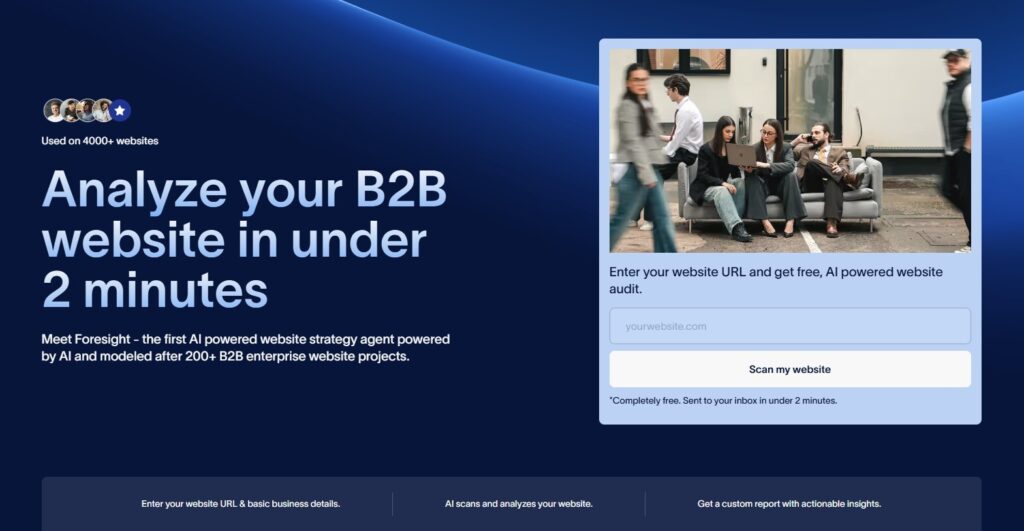
Foresight is an AI-powered website audit tool designed to help you quickly understand what’s working—and what’s holding their website back. Simply enter your URL, and within minutes, the tool scans your site and delivers a structured report covering everything from positioning and SEO to user journey and branding. It’s built to feel like having a web consultant on demand, without requiring any technical knowledge or setup.
What makes Foresight stand out is the quality and practicality of its insights. Instead of generic checklists, it’s modeled on real-world experience from 200+ B2B website projects, providing actionable recommendations you can actually implement. The report highlights strengths, identifies gaps, and points out specific areas for improvement—helping founders and teams turn traffic into conversions and make smarter website decisions, fast.
Julius AI

Example website featured by Julius AI. Original image
Need a pitch deck, a website, and a clearer picture of your business numbers? Julius AI brings those jobs into one AI workspace.
Julius AI is an AI presentation maker that turns prompts, documents, research, and spreadsheets into editable PowerPoint presentations. You can create a sales pitch, client proposal, or investor update, then refine the content and design through chat. Working with Excel or CSV files? Julius can analyze the numbers, build charts, and turn the findings into slides.
Julius AI also offers an AI website builder that lets you create landing pages, business websites, portfolios, and interactive web apps without coding. Describe what you need, adjust the copy and layout in chat, and publish a shareable link.
For solo founders and small teams, that means moving from an idea or a spreadsheet to a presentation or website without juggling a separate tool for every step.
Khroma
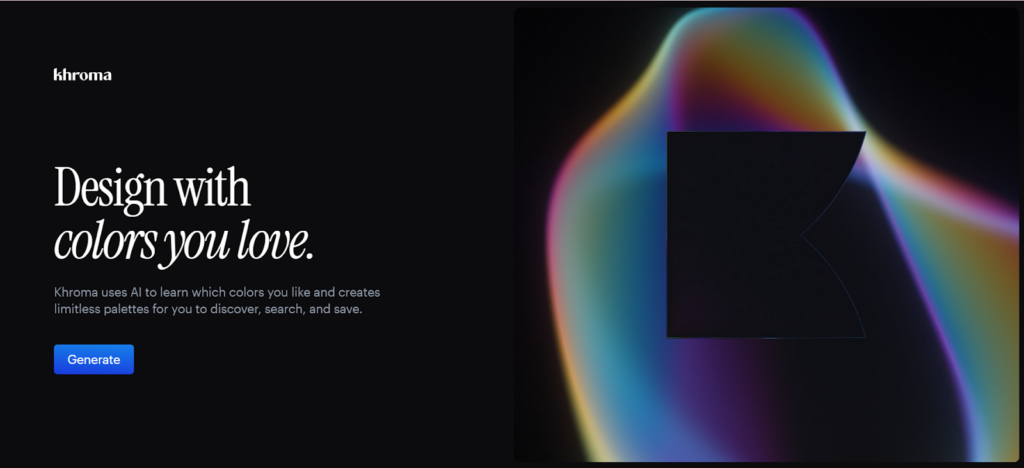
Need help coming up with your color palette? Khroma can make it easier.
You’ll start by picking 50 colors that you like. This will help Khroma’s AI learn which colors to choose and which to avoid. It will then use that info to generate a library of suitable colors for you. You can view these colors in typography, as an image, as a gradient, as a poster, or in color palette combinations to help you get a better feel for how the colors work.
Picsart Font Generator
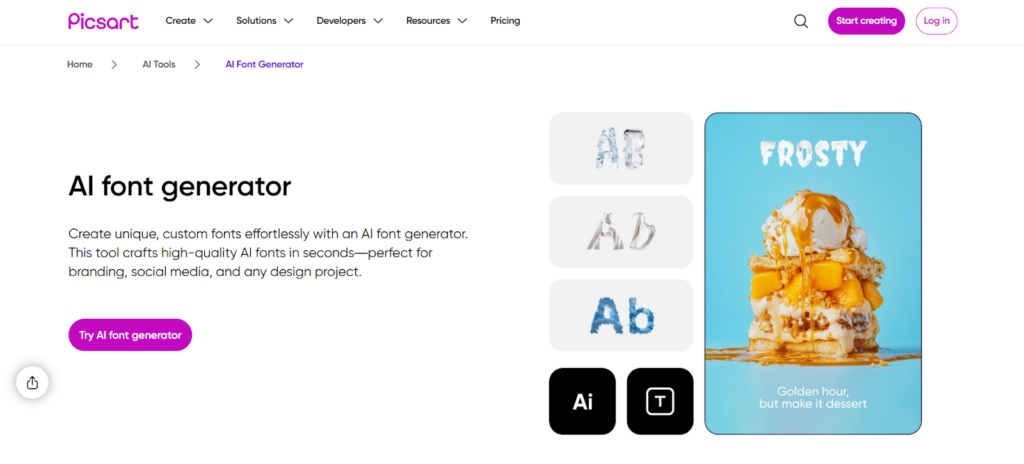
Typography is another important aspect in building your brand. They can solidify your message, show your brand personality, or be a distinct visual point for your audience (think Coca-Cola or Google).
Picsart can help you with your typography. You’ll start by entering your text. This text serves as your prompt, so be more descriptive, such as “glossy cyberpunk”, “bubblegum”, and so on. You can also input your preferences, such as style, weight, and character shape. Wait as the AI generates suitable options. The AI then generates typography assets you can use directly in the graphics you are making in the app, or export as PNGs.
Fontjoy
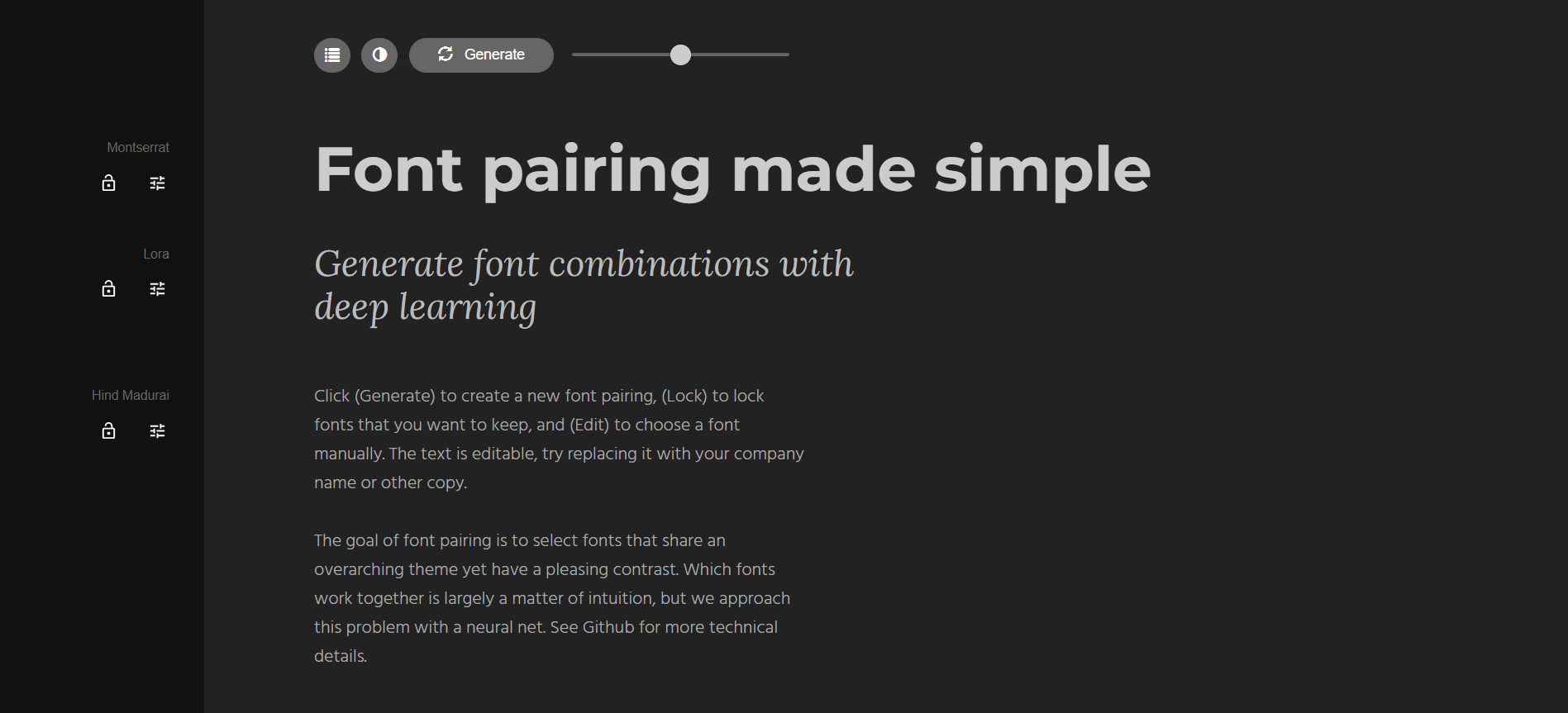
If you’re planning to build a brand kit, website, or pitch deck and have no idea what other fonts can go along with your main one, then Fontjoy is the tool for you.
Fontjoy makes font pairing simple by using AI to generate balanced combinations that actually work together.
Simply choose a font you like, and Fontjoy will suggest complementary heading and body fonts around it. You can also let the AI generate combinations from scratch if you want to explore more ideas. Each pairing is designed to create contrast without clashing, which is especially helpful if you want cohesive and visually harmonious materials.
AI for Content Creation and Marketing
Content is one of the most powerful ways entrepreneurs attract customers, build trust, and grow visibility.
However, creating fresh content day in and day out can easily get exhausting. Who has the time to ideate, illustrate, create posters, shoot Reels, edit videos, or write blogs all the time?
AI tools can make it possible. Whether you need help in writing or creating social media graphics, these tools can help you out:
MagicShot.ai

MagicShot is an AI-powered creative platform built for entrepreneurs, creators, and marketers who want to create viral social media content fast. Its AI Kiss feature allows users to generate realistic kissing videos using just two photos, a format that’s quickly gaining traction on TikTok, Instagram Reels, and other short-form platforms.
By combining AI kiss videos with AI video effects and image-to-video tools, MagicShot makes it easy to create emotional, highly shareable content without complex editing. It’s a simple and effective way to increase engagement, reach new audiences, and test viral content ideas in 2026.
ChatGPT
ChatGPT is one of the most versatile AI tools available for content creation.
Entrepreneurs can use it to write blog articles, social media captions, email subject lines, ad copy, or video scripts. And it’s not just limited to writing. You can even ask it to come up with ideas for your content, create a timeline for your projects, or estimate potential costs when shooting a video.
What makes ChatGPT especially valuable is its flexibility. You can adjust the tone, format, and style of their content to align with your brand voice. It’s useful for making all your content cohesive and aligned with your branding, which is important for new businesses building their brand identity.
Simplified
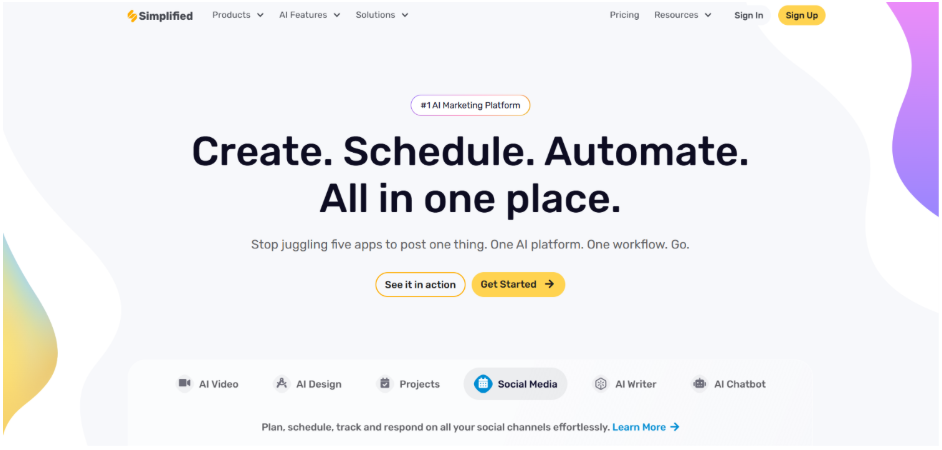
Simplified is an all-in-one AI content creation and marketing platform designed for entrepreneurs who want to create, manage, and publish content without juggling multiple tools. Instead of using separate apps for writing, design, video editing, and social media management, entrepreneurs can handle everything from a single workspace.
The platform includes an AI writer for blogs, emails, ad copy, and social media captions, along with an AI video generator for creating promotional videos, product demos, and short-form content. It also offers graphic design tools, AI-powered presentations, UGC video creation, and a built-in social media scheduler, making it easy to keep content consistent across channels.
For entrepreneurs looking to save time, Simplified also provides AI Workflows that automate repetitive marketing tasks such as content creation, repurposing, approvals, and publishing. This makes it a practical choice for businesses that want to scale their marketing efforts without adding more manual work.
Jasper
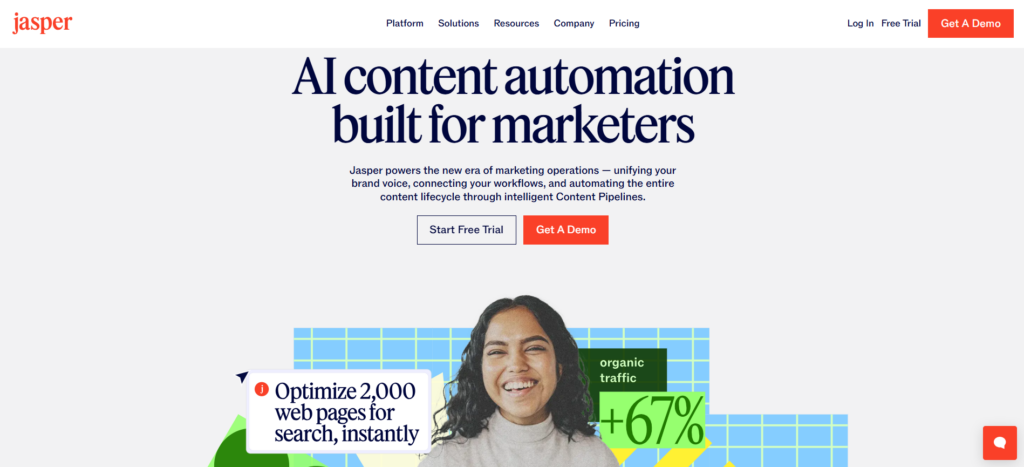
Jasper is built specifically for marketing teams and brand-focused content. It excels at creating conversion-driven copy such as landing pages, product descriptions, and ad creatives captions.
You can set Jasper to follow your brand voice and guidelines when writing your content. Or you can choose the template that is closest to your brand identity from their library of marketing templates available. Whichever option you choose, Jasper can help keep your messaging consistent and unified across multiple campaigns, no matter who is creating your content.
Midjourney
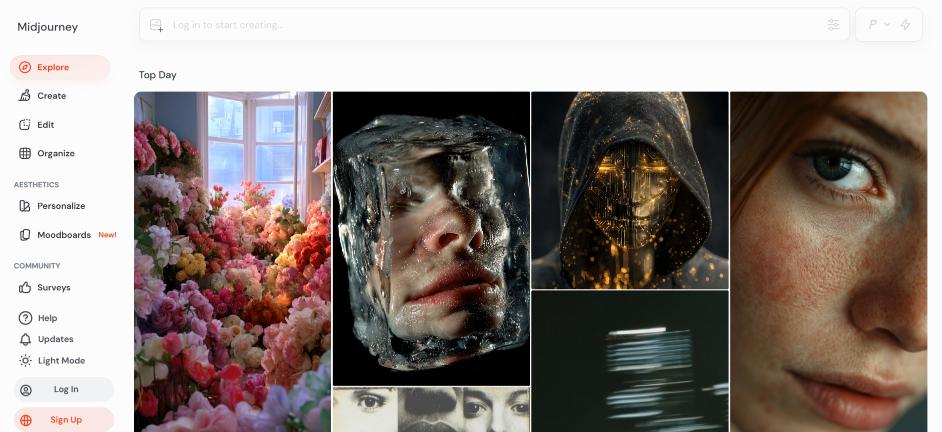
Midjourney is a popular text-to-image generator, which has created over 964 million images since its launch.
Midjourney can be used to create concept art, campaign visuals, character sketches, and other visual assets. You can ask the AI to generate anything from realistic faces, abstract patterns, or fantasy-style illustrations. Alternatively, entrepreneurs can use it to brainstorm ideas or just play around with different concepts before creating them themselves.
If you’re interested in using Midjourney, keep in mind that it doesn’t run like other image generators that have their own app or web platform. You’ll need to have an account on Discord first, subscribe to a Midjourney plan, and then join the Midjourney Server there to get started.
Runway
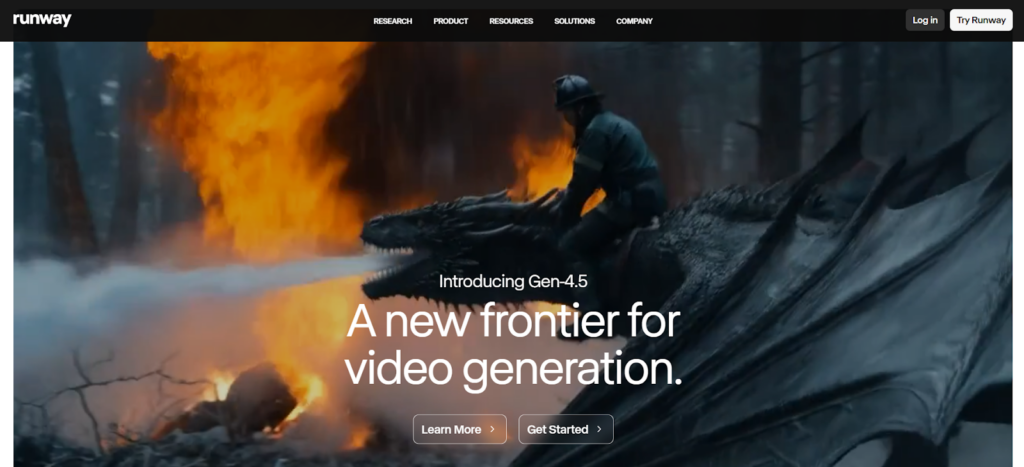
Runway offers a text-to-video generator and an image-to-video generator, allowing users to create videos with a single click. Their host of AI video editing tools allows users to remove objects, apply color grading, upscale the quality, add dialogue, or change the style with just a prompt.
If video marketing is your main focus, Runway is a good fit for you to help speed up production and make creating high-quality videos more accessible.
BrandCrowd
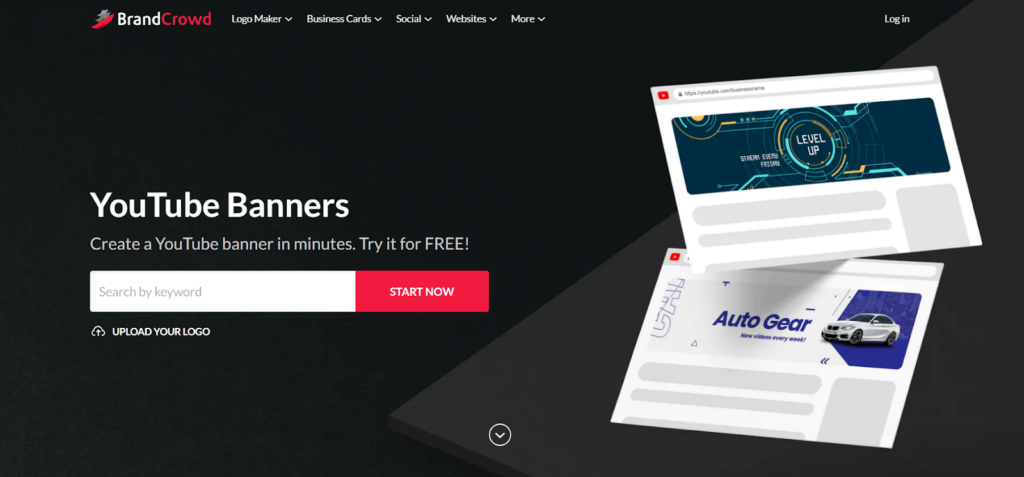
Beyond logos, BrandCrowd can also support content marketing with its AI design tools and customizable assets for social media graphics.
Check out the background remover tool, which can instantly cut out your main object from its background, or try the customizable templates for YouTube Banners, Instagram Reels, or Facebook Ads.
It’s recommended for entrepreneurs who want professional visuals without creating everything from scratch.
Magichour AI
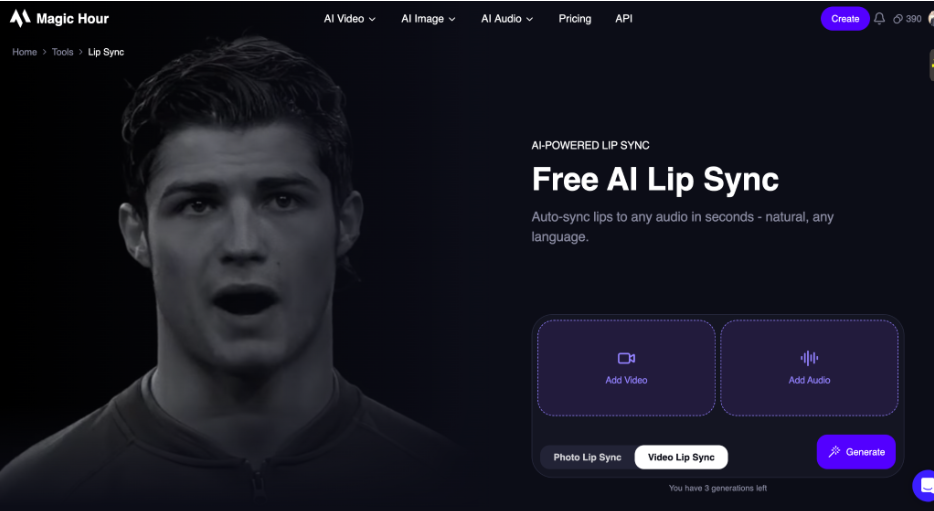
Magichour AI is an advanced lip sync video creation tool built for creators, marketers, and businesses who want to generate realistic talking videos without manual animation. It automatically synchronizes spoken audio with precise mouth movements, making characters look natural, expressive, and perfectly aligned with speech.
By combining AI-driven facial animation with audio processing, Magichour makes it easy to create talking avatars, dubbed videos, and localized content in minutes. Whether you’re producing marketing ads, social media content, or educational videos, it removes the need for frame-by-frame editing and complex animation workflows—helping you scale high-quality video production quickly and efficiently.
AI for Productivity and Workflow Automation
AI design tools aren’t the only thing available in the market. There are also AI tools to support your operations, boost productivity, and reduce repetitive work.
Check out our top recommendations here:
Zapier
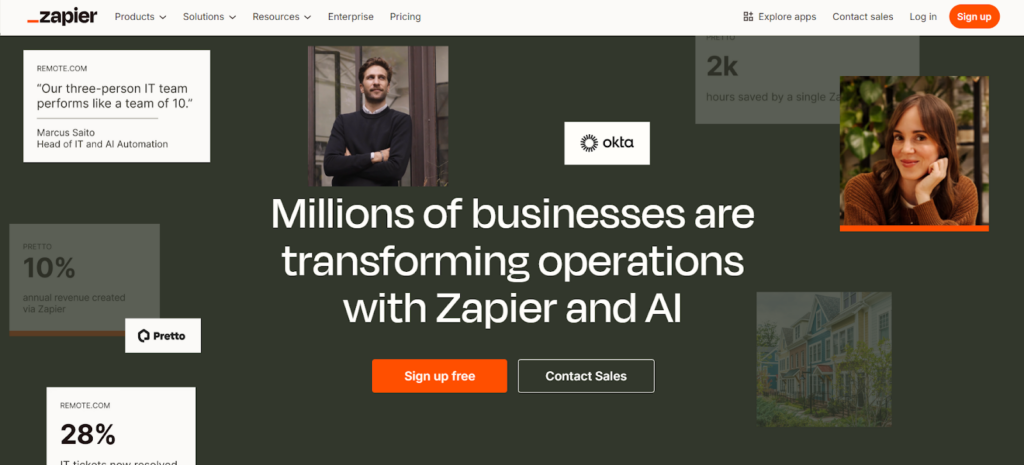
Zapier allows you to link different apps together and connect their workflow. For instance, you can set it up so that after sending an email to a prospect, they will be added to your Contact List spreadsheet of contact list. Or you can have it send you a message on Slack when a new sale is made. And so on.
You can also add AI agents to further speed up your processes by having them automatically find your unfinished tasks, reroute new leads, or predict where tasks might get bottlenecked.
For entrepreneurs, this means less time on menial tasks and more time on growth initiatives.
ClickUp AI
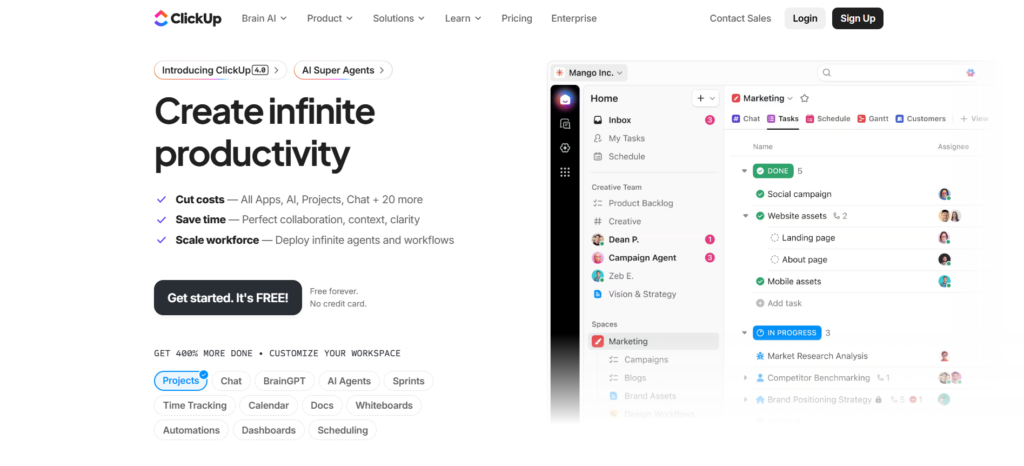
ClickUp makes project management easier with its series of AI tools.
One is ClickUp Brain, which serves as your AI assistant. You can ask it to create a project timeline and organize the tasks based on your prompt, suggest optimal task deadlines, highlight overdue items, or generate action items based on a document. They also have Autopilot Agents that can automatically generate data for tasks, e.g., summaries, translations, and categorizations, to reduce manual entry and save even more time.
This makes running multiple projects easier, especially for solo founders or small teams.
Otter AI
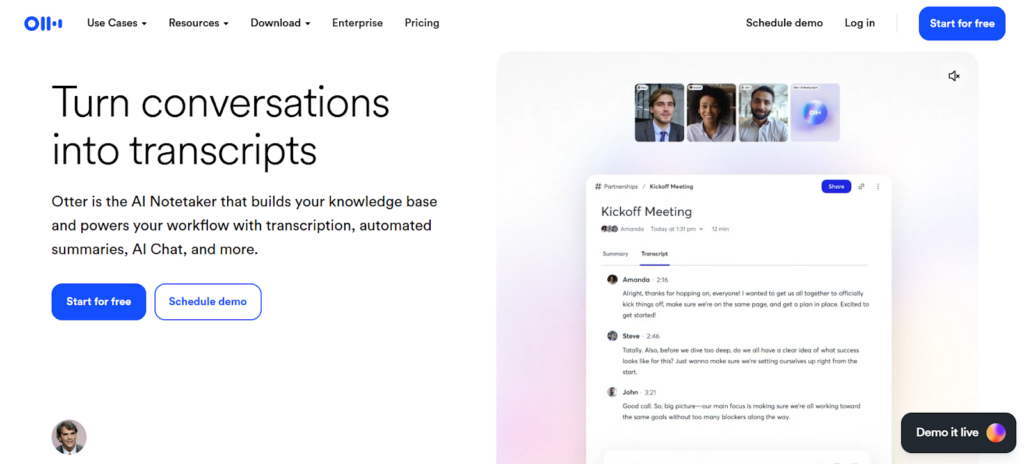
If you have a lot of meetings, Otter.ai is worth a look.
Otter.ai is an automated transcription tool that converts spoken words into text. It also offers a note-taking service during your meetings that can automatically capture and assign action items, generate plans or emails moving forward, or pull out important information based on previous conversations.
This makes it easy to review previous discussions, share notes with your team, and ensure nothing gets lost in translation.
Fathom AI
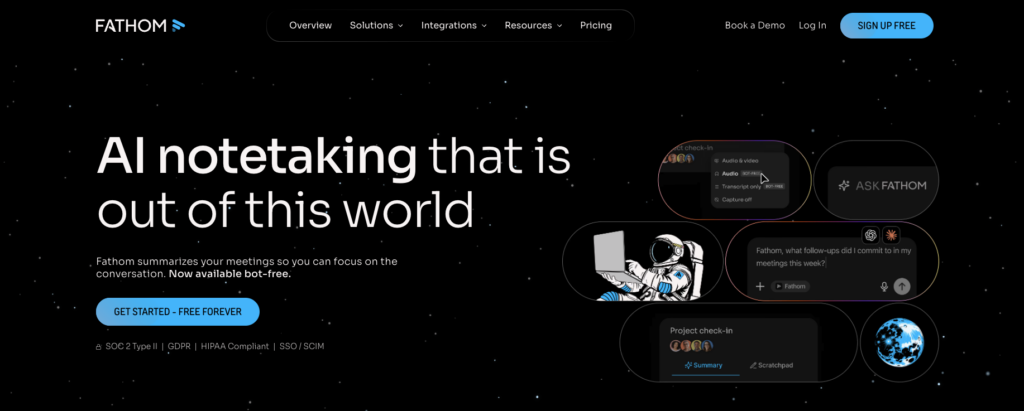
Fathom AI is a cloud-based AI meeting assistant designed for teams who run on calls. It automatically records, transcribes, and summarizes meetings across Zoom, Google Meet, and Microsoft Teams, delivering structured action items and key decisions the moment call ends, so you can stay fully present in the conversation instead of scrambling to write things down.
What makes Fathom especially valuable for entrepreneurs is how much visible admin work it removes from your plate. Client calls, investor meetings, team syncs – Fathom captures everything and organizes it into clean, usable output you can actually act on.
Unlike basic transcription tools, Fathom comes with Ask Fathom, a conversational AI assistant that lets you search across all your past meetings and instantly surface decisions, risks, or follow-ups.
Krisp.ai
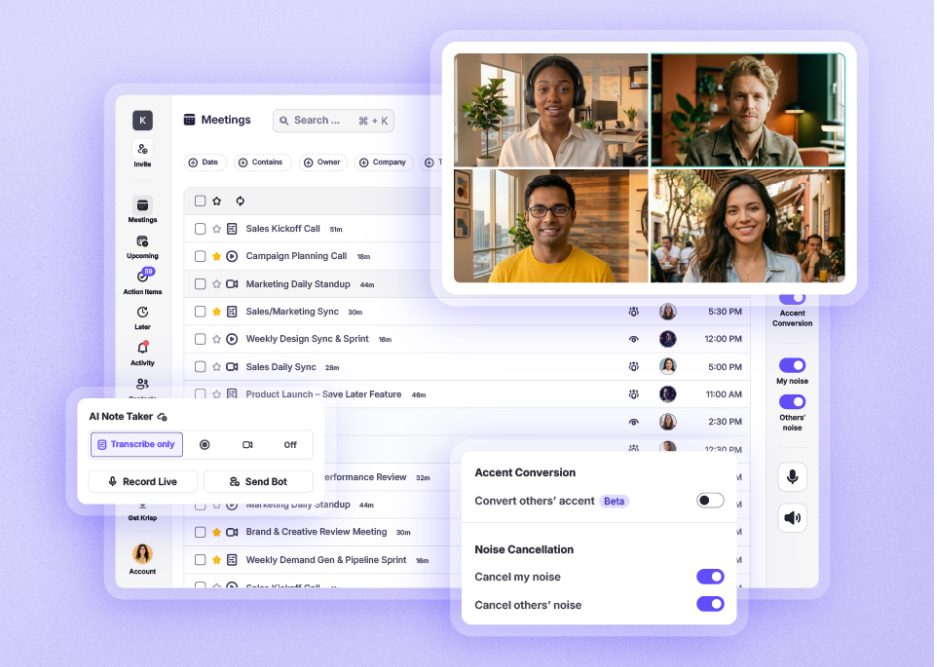
If your meetings are scattered across different platforms and you struggle to keep track of what was discussed, Krisp’s AI note taker is worth adding to your stack.
Krisp automatically joins your calls, records the conversation, and delivers a clean transcript and summary the moment the meeting ends. It works across Zoom, Google Meet, Microsoft Teams, and other major platforms — no manual setup needed per call.
What makes Krisp especially useful for entrepreneurs is its background noise cancellation built right into the same tool. So not only are your meetings documented, but they also sound professional on both ends, whether you’re calling from a café, a co-working space, or a busy home office.
AI for Customer Engagement and Support
According to Hubspot, 90% of customers rate an “immediate” response as essential or very important when they have a customer service question.
Now, how immediate is “immediate”? They mean 10 minutes or less. Yes, it’s that fast!
It may sound doable when you have multiple teams of support agents, but not if you have a small business and have one or two people handling your messages. If you’re struggling to keep up with demand and need to expand your support team quickly, AI recruiting software can help you find and hire qualified customer service representatives efficiently, ensuring you have the manpower to meet response time expectations. Alternatively, implementing multi-agent systems allows multiple AI agents to work together handling different aspects of customer inquiries simultaneously, providing immediate responses across multiple channels without expanding your human team. Thankfully, we have these AI tools to give you a hand:
eesel AI
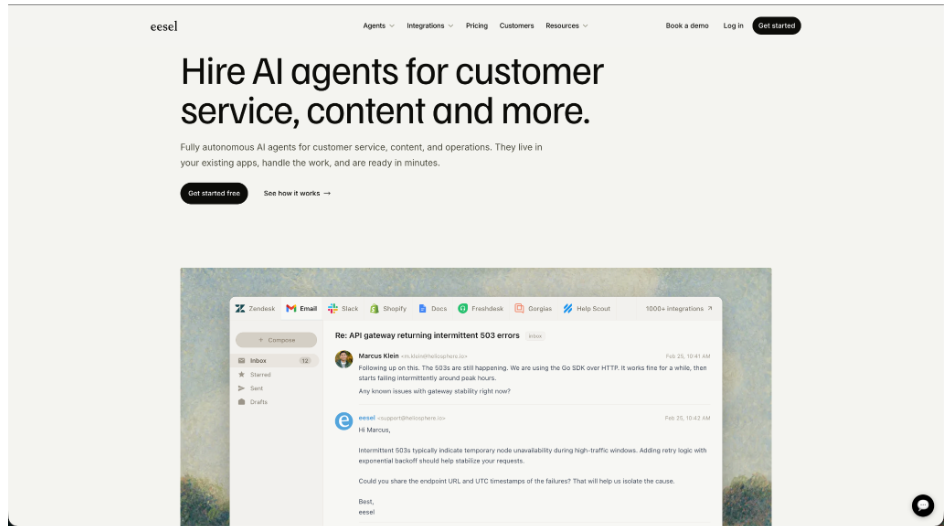
eesel AI helps entrepreneurs keep up with customer questions without changing their helpdesk. It connects to tools such as Zendesk, Freshdesk and Gorgias, using past tickets and help documentation to answer questions and draft replies. Standard support usage costs $0.40 per ticket or chat session, with $50 in free usage when you sign up.
Teams can review drafts, test answers and set rules for when a person should take over. Custom API connections let these AI teammates use approved information from internal systems too. Technical teams can manage the same agent throuogh the dashboard or CLI, whose JSON output lets coding agents help with setup.
It suits small teams that want to start with a manageable amount of support work and expand gradually. Keep documentation current and test connected workflows before enabling automatic replies.
Freshworks
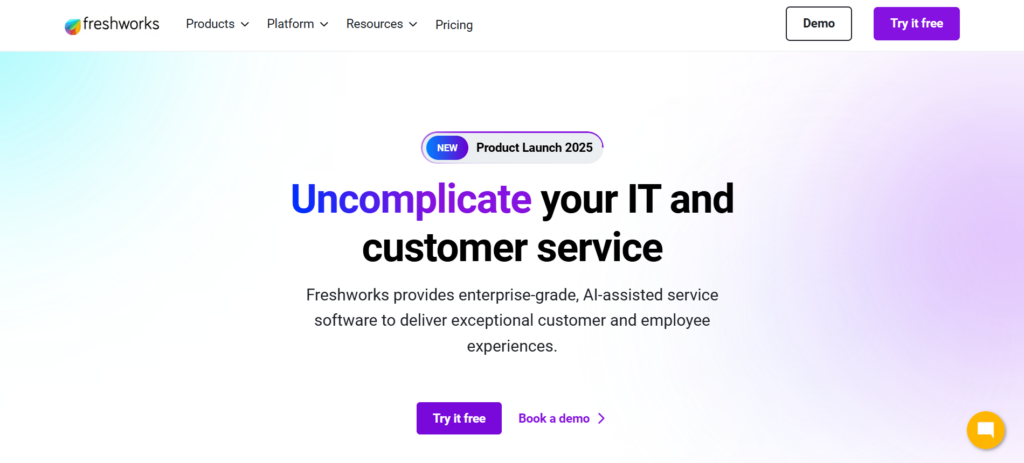
Freshworks’s Freddy AI is here to streamline customer support by providing AI chatbots, automating repetitive customer queries, ticket assignments, and suggesting responses based on your previous conversations. It helps entrepreneurs provide top-notch service 24/7 without having to hire multiple people.
And if you want to improve your service level, their AI can also analyze data such as survey scores, resolution times, ticket counts, and other metrics to identify areas for action. You can then see them in a visual tree map form or have the AI summarize it in natural language to more easily understand the data.
Tidio
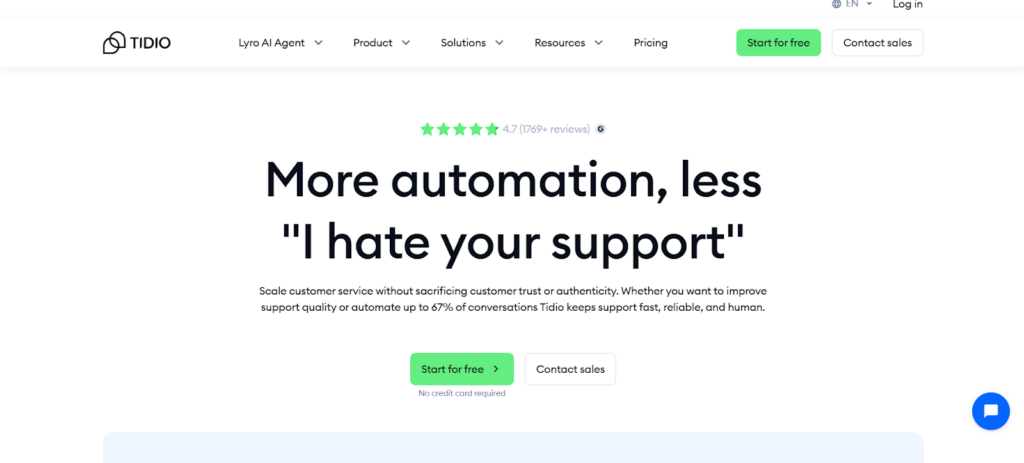
Worried that your AI chatbots sound too robotic and cold to your customers?
Try Tidio. Their AI chatbots can speak in a natural and conversational style, which makes them sound more human. You can even set them to speak like your brand voice.
And since Tidio’s AI is not restricted to pre-defined questions, they can understand more complex questions, read between the lines, or answer in a personalized way instead of just providing generic responses. It’s like adding an actual human to your team!
With its advanced machine learning models, Yieldigo helps increase margins, reduce waste, and respond faster to market changes, while keeping pricing competitive.
AI for Data, Forecasting, and Decision Support
Data is one of the most valuable assets for any business. However, for most new entrepreneurs, they may seem too complicated or too technical for their knowledge. Luckily, AI-powered tools can turn massive amounts of data into simplified, more actionable insights.
Here are some of our top picks:
Coupler AI
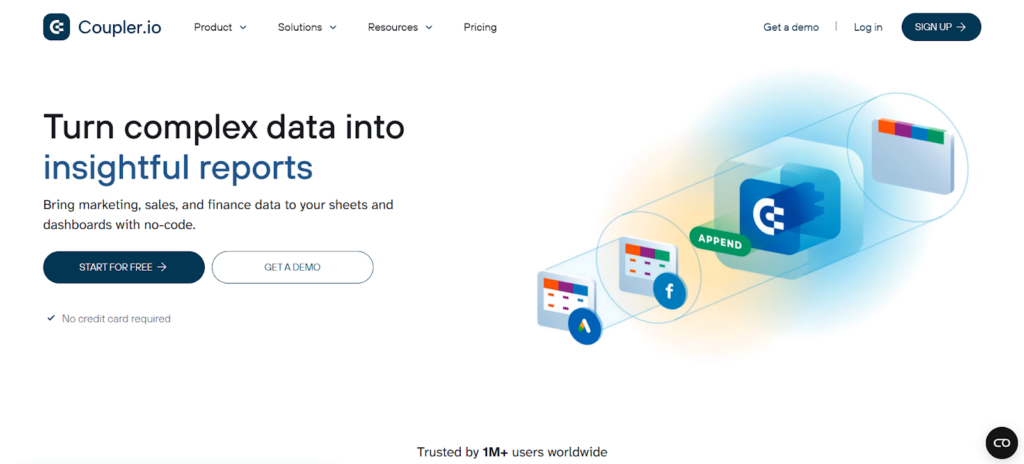
Coupler allows you to collect your data from multiple apps (be it Amazon Ads, Google Analytics, MailChimp, or Zoho) and put them into one spreadsheet, data warehouse, or dashboard. This makes it easier to track KPIs, monitor performance, and spot trends without having to jump from platform to platform.
Coupler’s AI can also turn this data into short summaries and action plans. You can also chat with their AI, such as asking it “Which product drove the most revenue last quarter?” and get the answer without digging through spreadsheets. This makes it easier for people, even with no background in data science, to understand what’s happening with their business.
SurferSEO AI
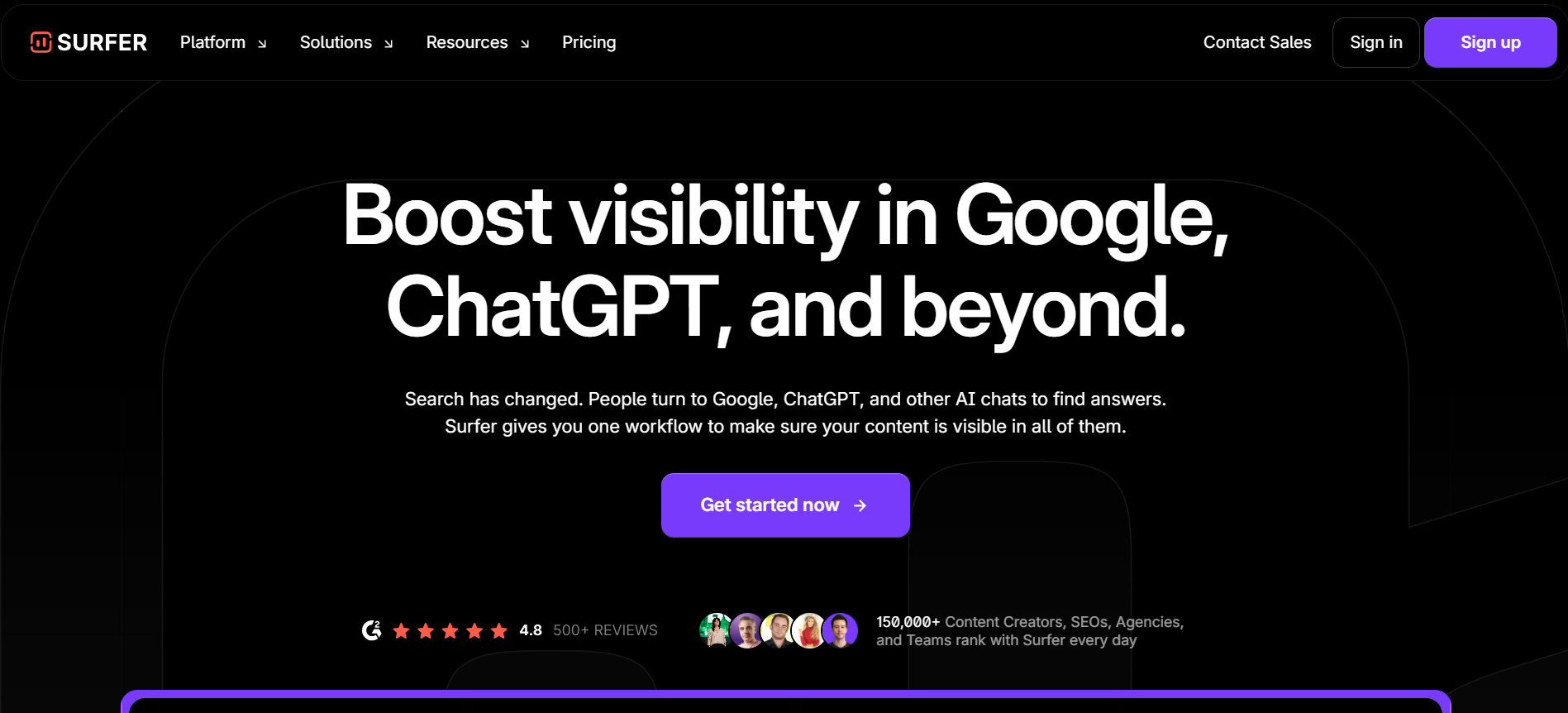
Want to make your website rank higher on Google? Try SurferSEO.
SurferSEO AI helps entrepreneurs make data-driven content decisions by analyzing top-ranking pages and search intent. It provides real-time recommendations on structure, keywords, and content depth, helping businesses create SEO-friendly content faster.
This helps make your content more practical and optimized to rank higher, rather than just blindly writing whatever topic you thought of.
Perplexity Pro
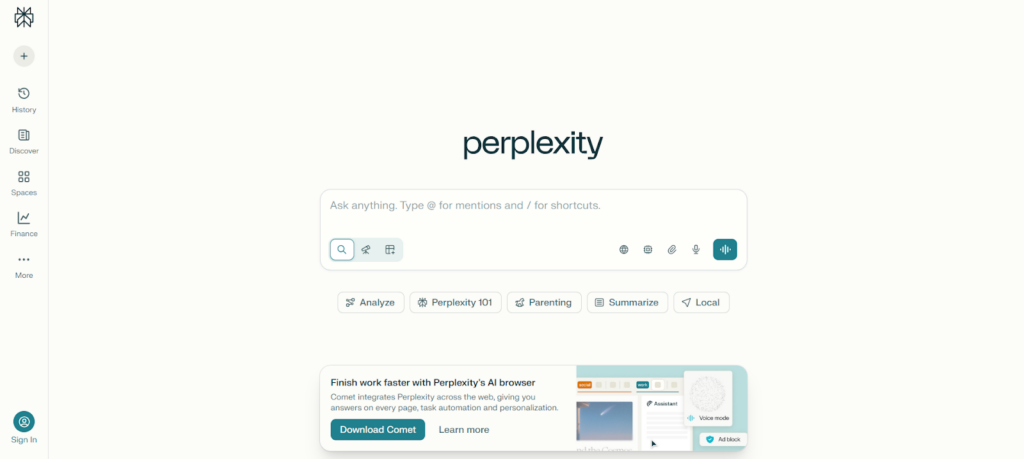
Perplexity is another chat app like ChatGPT. What sets them apart though is how much more factual and analytical their answers are. Their AI pulls cited sources, which is great for more in-depth and fact-based research. It can also handle deep and multi-query searches.
Entrepreneurs can use Perplexity to validate ideas, explore market trends, get audience insights, and quickly understand complex topics without digging through dozens of tabs.
AI for Financial Management
Managing finances is one of the most critical things a business owner should do. These AI tools can help simplify your more menial accounting tasks, and working alongside a virtual bookkeeper can further streamline financial management. Using bookkeeping automation software can also help automate repetitive processes like expense tracking, invoicing, and transaction categorization, so you have time to focus on where it matters most:
Quickbooks
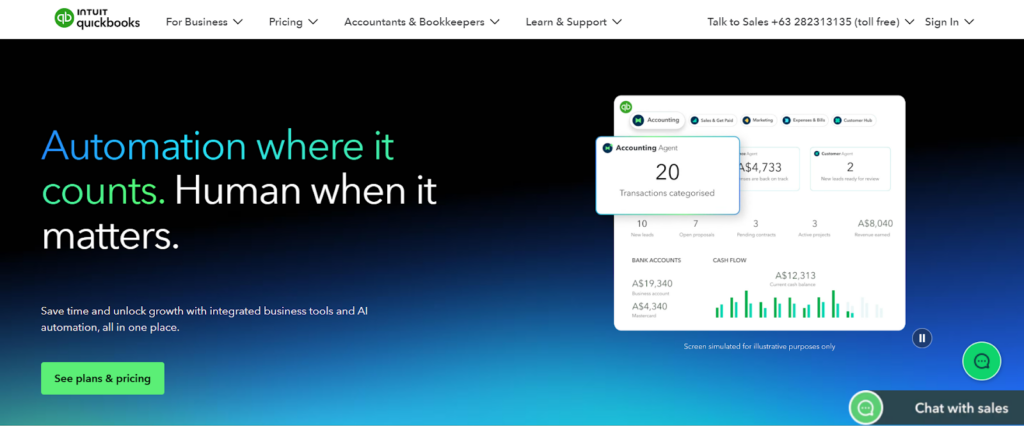
QuickBooks uses AI to automate tasks such as categorizing expenses, sending invoices, setting transaction reminders and approvals, and generating financial reports. This way, entrepreneurs can get a clearer picture of cash flow and business health without spending hours on spreadsheets.
QuickBooks also has an Advanced Plan for bigger teams with more complex workflows and more members. It’s something to keep in mind if you think you are going to scale your business soon.
Expensify
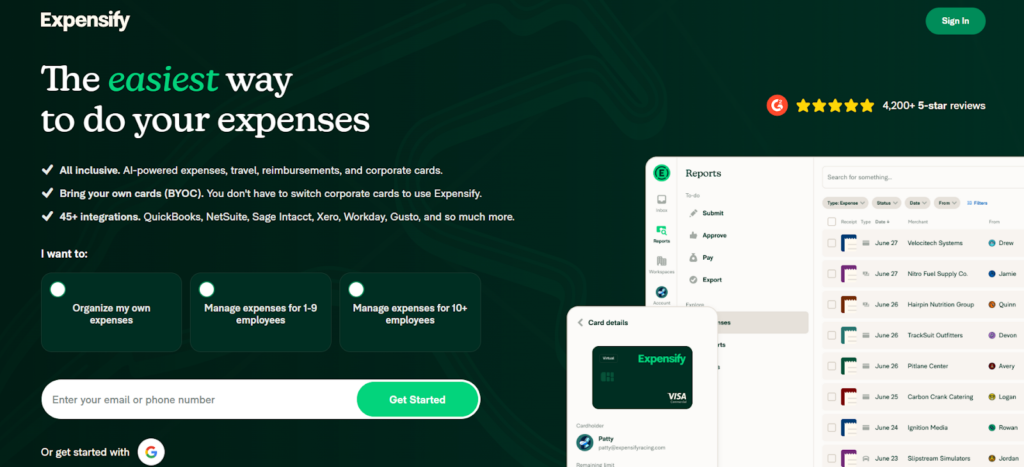
Expensify streamlines expense tracking by automatically extracting data from photo receipts, categorizing spending, doing real-time payment tracking, and generating reimbursement reports.
Expensify also offers automatic policy compliance checks and fraud detection, where you get notified if you spend more than usual or if you have any unusual transactions. This is especially helpful for busy founders who have to manage multiple tools, subscriptions, or team expenses to keep everything organized.
Tagshop AI
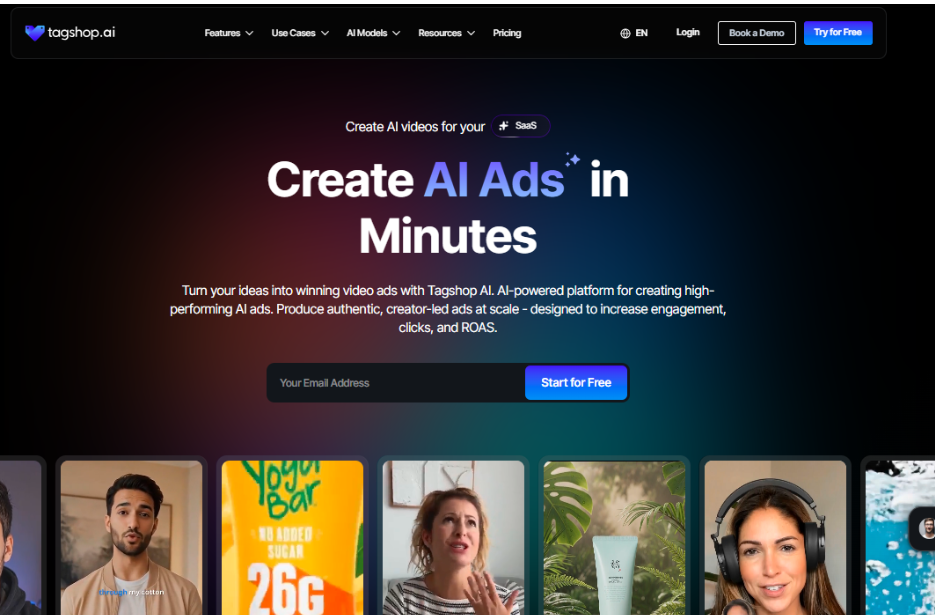
Tagshop AI is an AI-powered marketing platform built for entrepreneurs, creators, and brands that want to create high-performing video ads quickly. As an advanced AI ad generator, the platform helps users turn simple ideas, scripts, or product pages into ready-to-use marketing videos designed for platforms like TikTok, Instagram, and YouTube.
By combining features like text-to-video generation, AI avatars, AI twins, and AI voice cloning, Tagshop AI makes it easy to produce engaging promotional videos without filming or complex editing. This allows businesses to create multiple ad variations, test marketing ideas faster, and scale their content production efficiently.
For entrepreneurs and marketers in 2026, Tagshop AI provides a simple way to generate UGC-style ads, product promotions, and social media video content that can help increase engagement, reach new audiences, and launch campaigns faster without traditional video production.
Lenso.ai AI Reverse Image Search
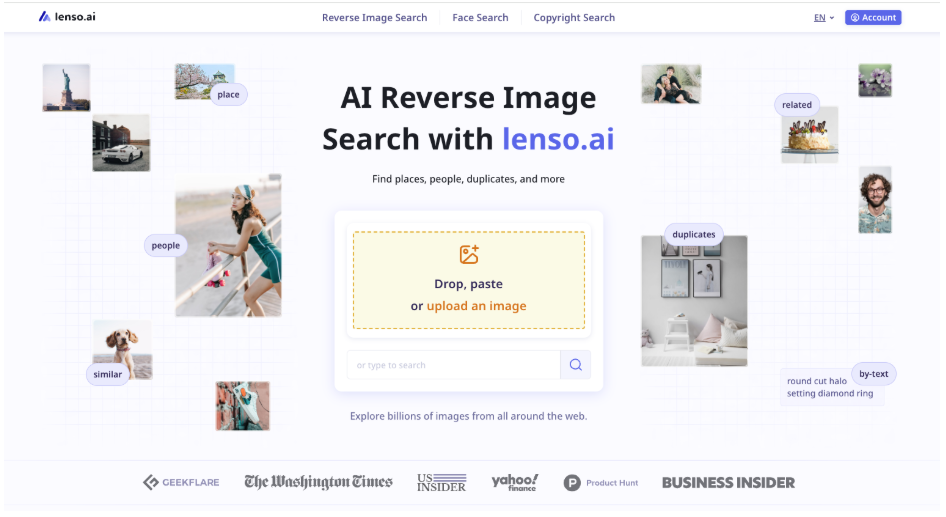
Lenso.ai helps entrepreneurs quickly find and analyze images online using AI-powered reverse image search. Just upload a photo (like a product, design, or a person) and the tool will show similar images, sources, and related content. This makes it easy to check competitors, test ideas, or see where images are used. It’s especially helpful for eCommerce and online sales!
What makes Lenso.ai stand out is how accurate it is. It can recognize patterns, objects, and context, so it finds not just identical images, but also variations, duplicates, and even the same people. With a constantly updated database, entrepreneurs can use it for reliable insights, brand protection, and better decision-making.
Yieldigo
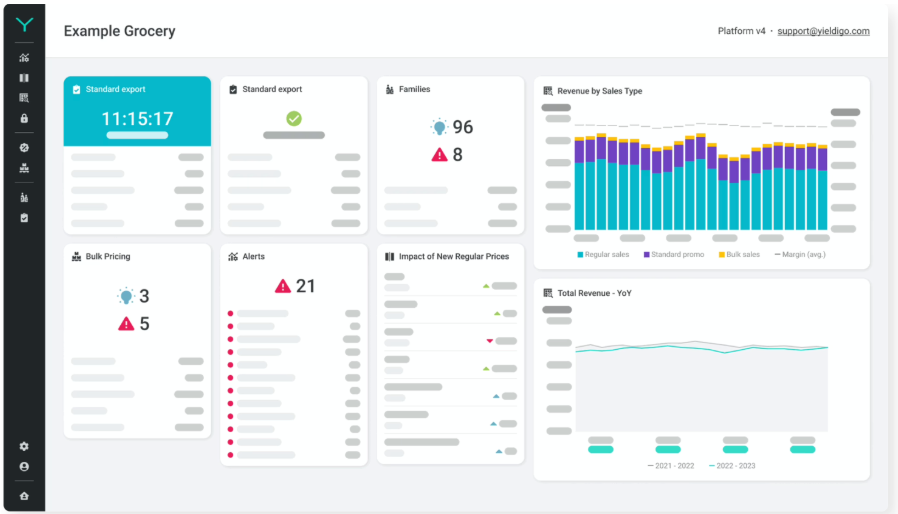
Yieldigo is an AI-powered platform that helps retailers optimize pricing and promotions across large product assortments.
By analyzing demand, price elasticity, and product relationships in real time, the platform enables more accurate and data-driven commercial decisions. Instead of relying on manual rules or guesswork, retailers can simulate different scenarios, forecast promotional impact, and automatically optimize prices across their entire assortment.
Flowstep
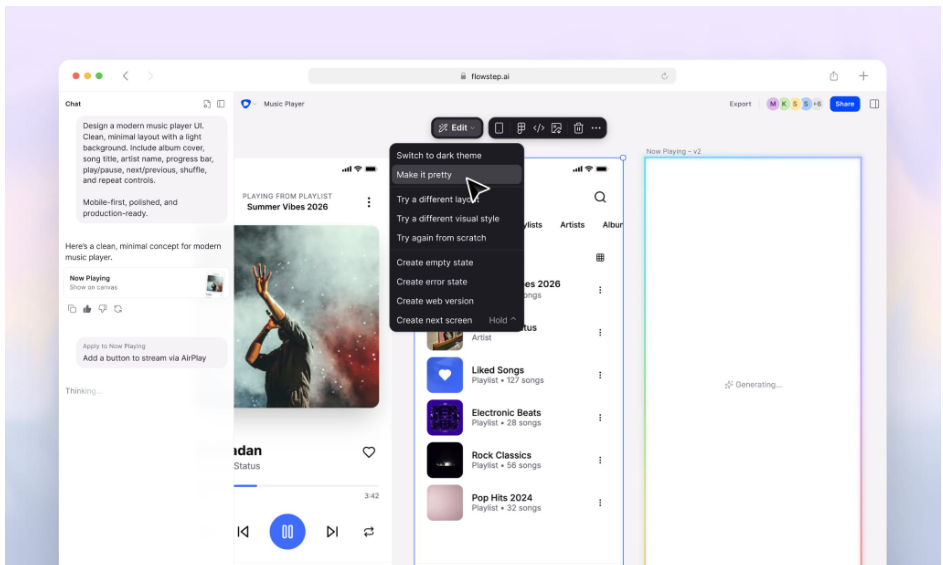
Flowstep is an AI UI design tool that turns your text prompts into beautiful UI designs. Simply describe what you want in plain language, and Flowstep generates multi-screen UI. You can also attach PRDs, product images, or links, and designs will match your brand context.
What stands out about Flowstep is what happens after generation. It has instant Figma integration (no plugin needed) and clean React, TypeScript, and Tailwind CSS code export. You can even connect it to Cursor, Claude Code, or your coding environment via MCP and bring designs straight into your codebase.
TinyFish
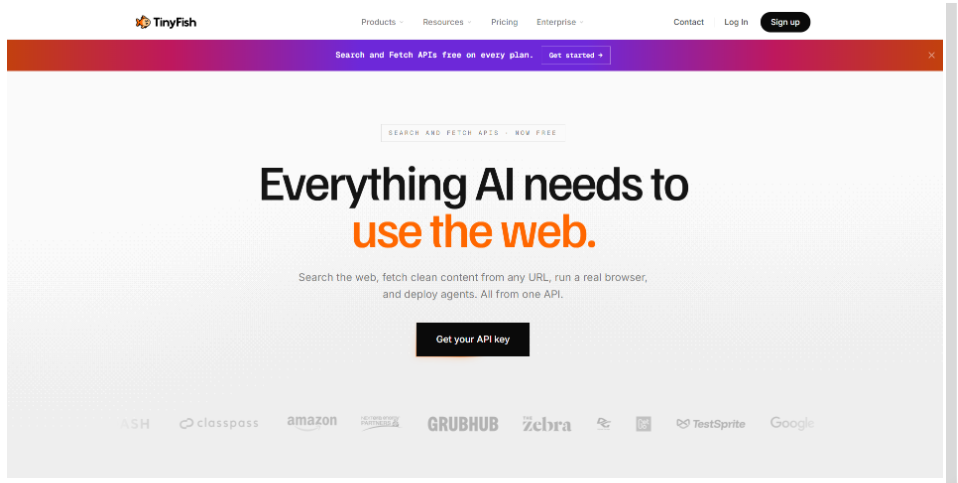
TinyFish is web infrastructure for AI agents that need current information from websites. Its platform includes Search for finding fresh sources, Fetch for extracting clean content from URLs, Browser for managed browser sessions, and Web Agent for completing multi-step tasks on live websites.
This is useful for entrepreneurs building AI products or recurring workflows around web data. A team might use TinyFish to monitor pricing and availability across sites, collect market information, or work with dynamic pages that change frequently. And when a workflow grows beyond simply reading pages, TinyFish can also handle tasks that involve navigation, forms, pagination, and authenticated sessions.
For teams researching this category, TinyFish also publishes a guide to Firecrawl alternatives that covers tools for web extraction and agent workflows.
How to Choose the Right AI Tools for Your Business
All of the tools we listed above sound great, right? We know it’s tempting to start using them all. But in reality, you need to take a more focused and strategic approach, and only use what you need.
Here’s some tips to keep in mind when choosing which tool to incorporate:
- Identify your biggest bottlenecks: The best tool to use is the one that addresses your biggest pain point. Do you have trouble making your logo? Is it too time-consuming to come up with illustrations everyday? Is it difficult to maintain consistency with your brand voice? And so on. It may sound obvious, but this is really the best way to know what tool you need.
- Research, test, and evaluate: Do research the tools first before committing to them. Make sure to check reviews or stay updated from sources like the AIChief AI Newsletter that do a deep dive on them and Give Instant Breakings As Well! If you can, test them out as well. Give it at least 2 weeks of usage to see if it works seamlessly with your workflow. This helps you evaluate if the tool is actually worth it to adopt completely.
- Consider pricing versus real value: Price matters, but you need to look beyond the initial cost and evaluate everything included. Consider how much time the tool saves, how well it integrates with your existing technology, and whether a subscription plan offers better value in the long run. For sales teams, features such as AI sales call practice can provide additional value by helping representatives refine their pitches and prepare for customer conversations. A tool may be cheaper, but if it lacks essential features, you might need to purchase another tool, making the combination more expensive over time. Consider these scenarios to get the most value for your money.
- Check integration and workflow compatibility: AI tools work best when they fit naturally into how you already operate. Check if they integrate with your existing apps and platforms to minimize disruption and accelerate adoption across your team. Solutions like GTM AI can further streamline go-to-market planning by connecting insights, workflows, and execution, helping teams launch campaigns more efficiently without adding unnecessary complexity.
- Don’t forget scalability: One tool might work perfectly for your situation now, but what happens when you grow your business? When you have a bigger team or bring more clients? Or when you want to add another tool? Make sure you consider these as well. Choose tools that offer flexible plans, additional integrations, and feature expansions so they can evolve with your business rather than forcing you to switch later. This is especially important for businesses working with a digital marketing agency, where tools need to support growing campaigns, larger teams, and increasingly complex workflows.
Conclusion
AI tools are no longer just some fun tools to experiment with. They are now essentials that can help entrepreneurs build their brand identity, scale their content marketing, and make more data-backed decisions.
Whether you’re just starting your business or planning to level up your game, the AI tools we listed above can help you save time and compete more efficiently this 2026.
Liked this article? Make sure to check out related articles such as How AI Is Transforming the Way Entrepreneurs Build Businesses, or test out our marketing tool,s such as YouTube video maker or business logo maker.
Till next time!
Read more about AI design and branding here:
- Can AI Master the Art of Emotional Branding? What You Need to Know
- How To Use AI to Create Social Media Posts
- 7 Reasons AI-Generated Logos Are Perfect for Small Businesses
FAQs on AI Tools
What are AI tools?
AI tools are software platforms that use artificial intelligence to perform tasks that normally require human input. These tasks can include writing content, creating designs, analyzing data, automating workflows, and supporting customer interactions.
Do I need technical skills to use AI tools?
No. Most AI platforms are built for beginners and non-technical users, so you get intuitive interfaces and more guided workflows.
What are the best AI tools for graphic design?
It would depend on the aspect of design that you need. For instance, BrandCrowd and Design.com are the best for AI logo generators, while Midjourney is popular for image generation.
How many AI tools should I use?
It depends on your needs, but ideally you should start small. One or two well-chosen tools are more effective compared to using tons of them, but having no real reason behind them.
Are AI tools expensive?
It depends on the tool. Many offer free plans, while some offer paid plans with affordable pricing. Regardless, they are still mostly accessible for early-stage businesses.
Is there any totally free AI?
Yes, there are AI tools that offer totally free versions or free plans with limited features. These are often enough for basic tasks like generating ideas or creating simple designs. You can also explore an AI tools directory to discover different platforms and compare what each tool offers. However, as a business grows, many entrepreneurs choose paid plans to unlock advanced features, customization options, and higher usage limits.
Can AI tools replace hiring employees?
Not completely. AI can reduce workload, but it works best as a support system rather than a full replacement for human expertise.
How to use AI for design tools?
You can use AI for design tools by starting with a clear idea of what you need, such as a logo, social media graphic, or website layout. Most AI design tools guide you through simple inputs like your business name, industry, and style preferences. From there, the AI generates design options that you can customize by adjusting colors, fonts, layouts, and visuals.
How do you use AI web design tools?
AI web design tools, like an AI website builder, are typically used by first entering basic information about your business. The AI then generates layout suggestions, color schemes, and content structures. Users can then customize these elements to match their brand and then publish the site once done. These tools usually handle the hosting and technical setup as well, which further reduces the users’ workload.
Which AI tools are most popular?
The most popular AI tool varies depending on the function. Some of the biggest names include ChatGPT, Zapier, Midjourney, Design.com, to name a few.
Faviola Publico is an SEO Content Writer specializing in branding and digital marketing strategies. Outside of work, she enjoys reading slice-of-life novels and watching any mystery thriller-themed series.
Header Image by Khim John Blazo