Best Branding Tools for Startups in 2026
Have you ever looked at another startup’s website and thought, “How do they make everything look so put together?” Meanwhile, you’re trying to choose a logo design, pick brand colors, write your website copy, create social posts, and somehow keep everything consistent.
That’s the reality for many startup founders. You usually don’t have a dedicated designer, copywriter, or marketing team yet. You’re doing a little bit of everything, often with a limited budget and even less time. That doesn’t mean your branding has to look thrown together.
The right branding tools for startups can take some of that work off your plate. You can use them to create your visual identity, produce marketing content, build your website, manage social media, document your brand guidelines, and keep your messaging consistent as you grow.
Let’s look at the 16 best branding tools for different parts of the startup journey.
16 Best Branding Tools for Startups
We’ve compiled 16 of the best branding tools for startups:
| Tool | Best For | Key Branding Function | Free Option | Skill Level |
| Design.com | All-in-one startup branding | Logos, websites, and marketing assets | Yes | Beginner |
| BrandCrowd | Overall startup branding | Logos and branded assets | Yes | Beginner |
| Canva | Everyday marketing graphics | Templates and visual content | Yes | Beginner |
| Figma | Collaborative identity design | Interface and design systems | Yes | Intermediate |
| Adobe Express | Creative content production | Graphics, videos, and templates | Yes | Beginner–Intermediate |
| Coolors | Brand color selection | Color palette generation | Yes | Beginner |
| Google Fonts | Brand typography | Open-source font selection | Yes | Beginner |
| Fontjoy | Font pairing | AI-assisted font combinations | Yes | Beginner |
| Buffer | Social media consistency | Scheduling and publishing | Yes | Beginner |
| Mailchimp | Branded email campaigns | Email design and automation | Yes/limited | Beginner |
| Notion | Brand guidelines | Documentation and collaboration | Yes | Beginner |
| HubSpot | Marketing and customer experience | CRM and campaign management | Yes/limited | Intermediate |
| Grammarly | Brand voice and writing | Copy improvement | Yes | Beginner |
| Wix | Website creation | Branded business websites | Yes/limited | Beginner |
| Google Alerts | Basic brand monitoring | Online mention alerts | Yes | Beginner |
| Frontify | Growing brand teams | Brand asset management | Paid | Intermediate |
#1. Design.com
Best for: All-in-one startup branding
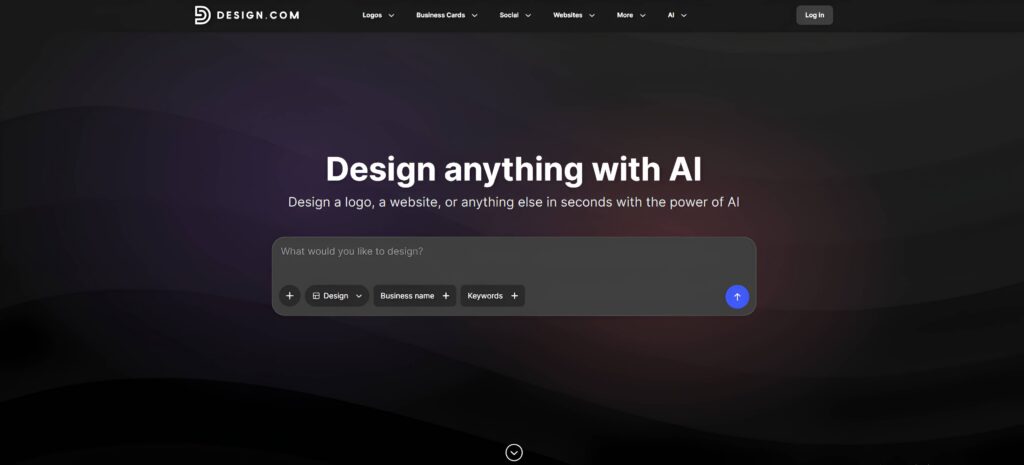
If you’re a startup founder trying to build your brand without hiring a full design team, Design.com is one of the most complete options to have in your toolkit. It goes beyond logo creation, giving you tools to build many of the visual assets you’ll need as your business gets off the ground.
You can choose “Design” from the drop-down menu to explore a wide range of design materials, including logos, business cards, websites, social media graphics, flyers, presentations, and more.
For example, we asked Design.com to create a set of designs for a hamburger business called Burger Junction, and the platform generated a variety of branded materials for us to choose from.
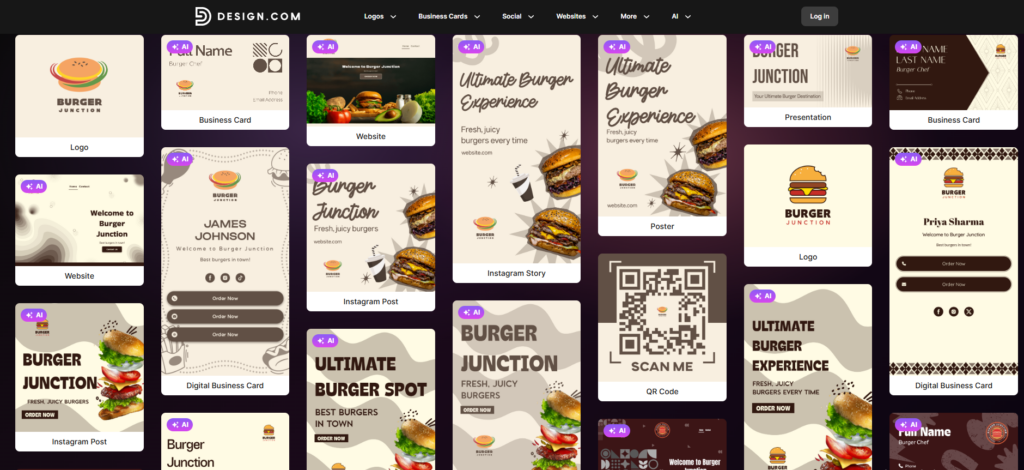
Design.com also has a large library of professionally designed templates and AI-powered tools that make the process accessible to non-designers.
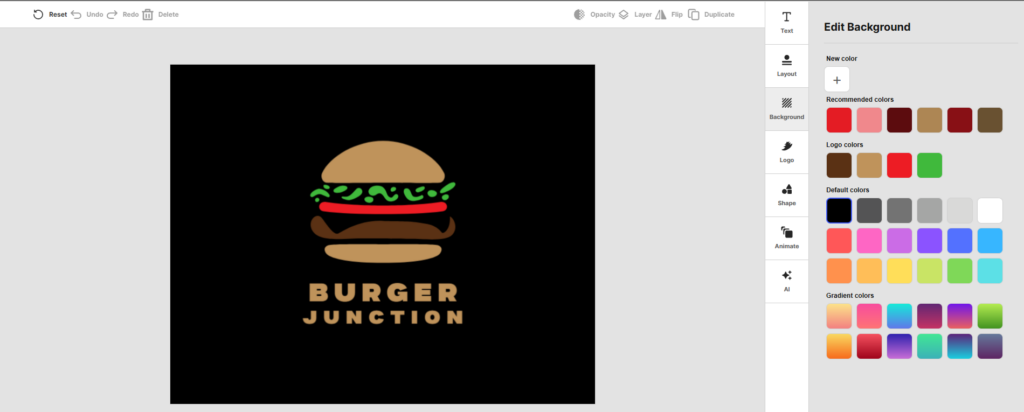
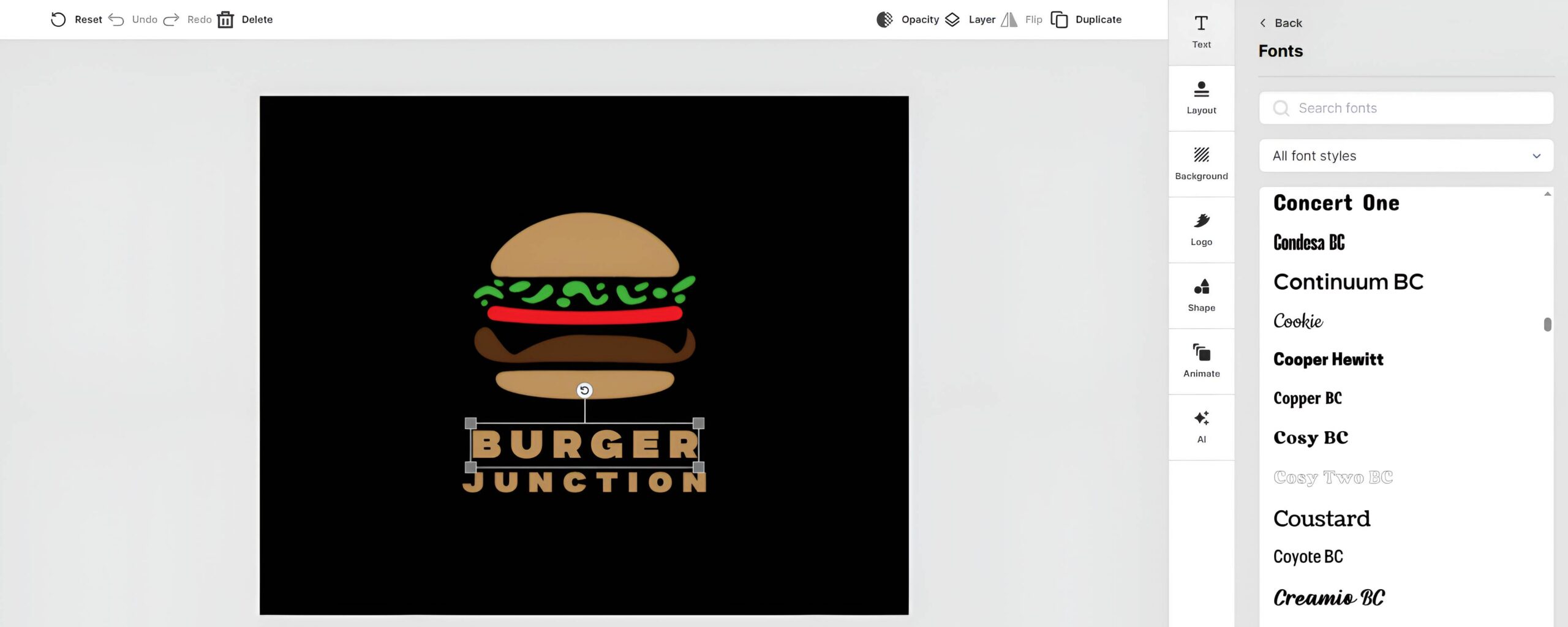
You can customize fonts, colors, layouts, and other visual elements without needing advanced design skills.
Why We Recommend Design.com
- AI Logo Generator for creating a professional logo from your business name and industry
- 500,000+ logo templates and 1 million+ total design templates
- AI-powered tools for websites, business cards, flyers, presentations, and other marketing assets
- 750+ fonts, including 525+ exclusive fonts
- 62,000+ custom vector shapes
- 50+ additional design tools for creating branded marketing materials
- Tools for social media posts, email signatures, letterheads, and other business assets
- Website builder for startups ready to establish an online presence
- Easy-to-use editors designed for founders without professional design experience
- Branding tools that let you build multiple assets around the same visual identity
When should a startup use it?
Design.com can be useful at almost any stage. If you’re still developing your idea, you can experiment with logo concepts and visual styles. Once you’re ready to launch, you can use the same platform to create your website, social media content, business cards, and other branded materials.
Pricing: Free templates are available for most of its tools. Paid plans start from $3/month when billed annually.
#2. BrandCrowd
Best for: Startup logos and branded templates
BrandCrowd is a useful option for startups that want to create a logo and quickly build other branded assets around it. Its large library of professionally designed templates gives you plenty of starting points, while its customization tools make it easy to adjust the designs to fit your business.
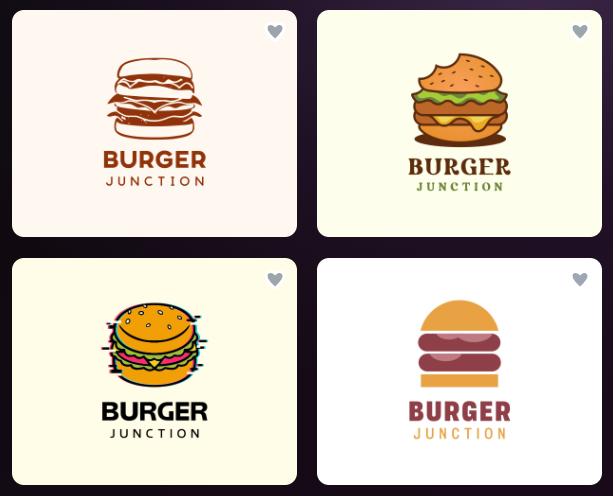
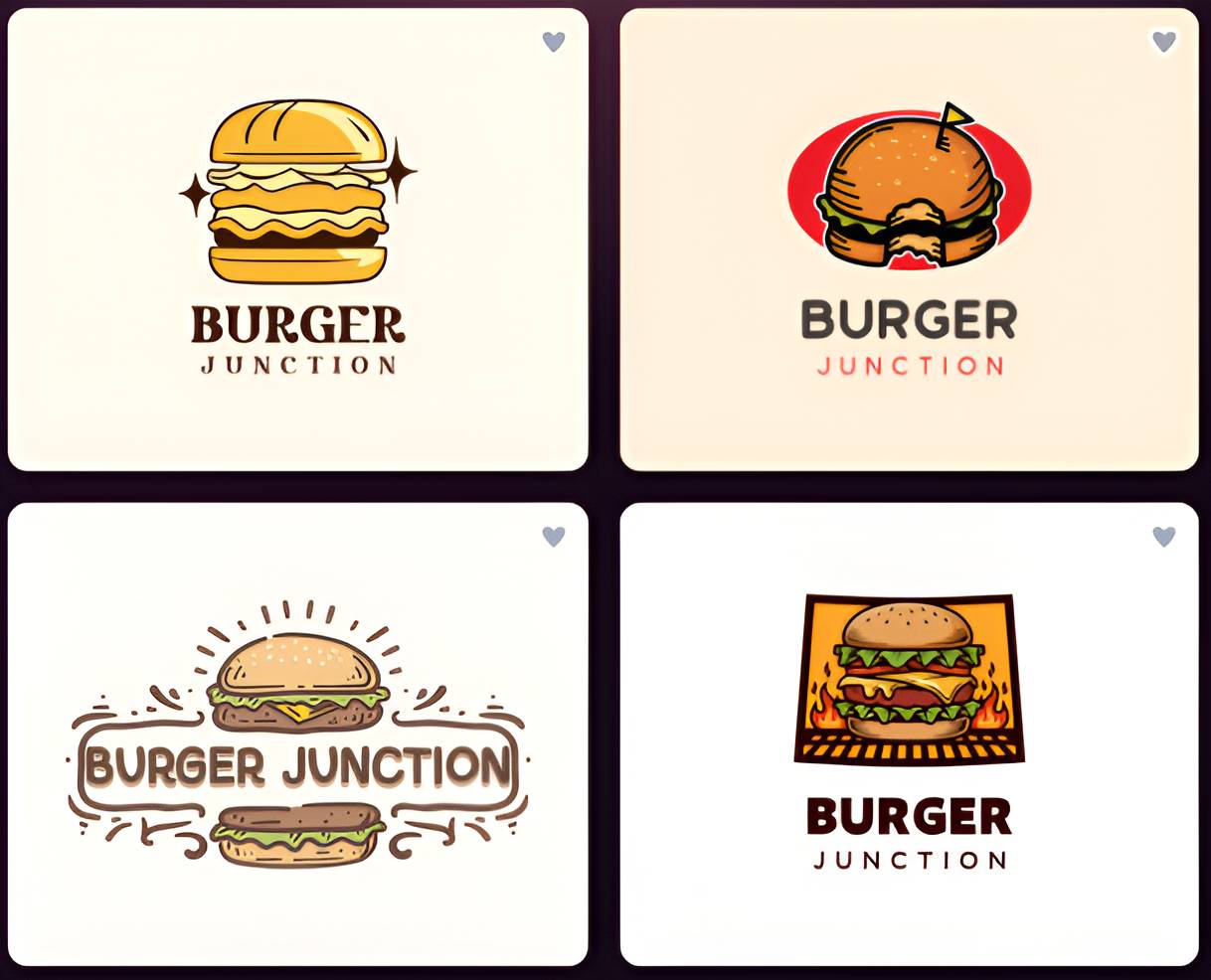
We used the same business name and got these amazing logos:
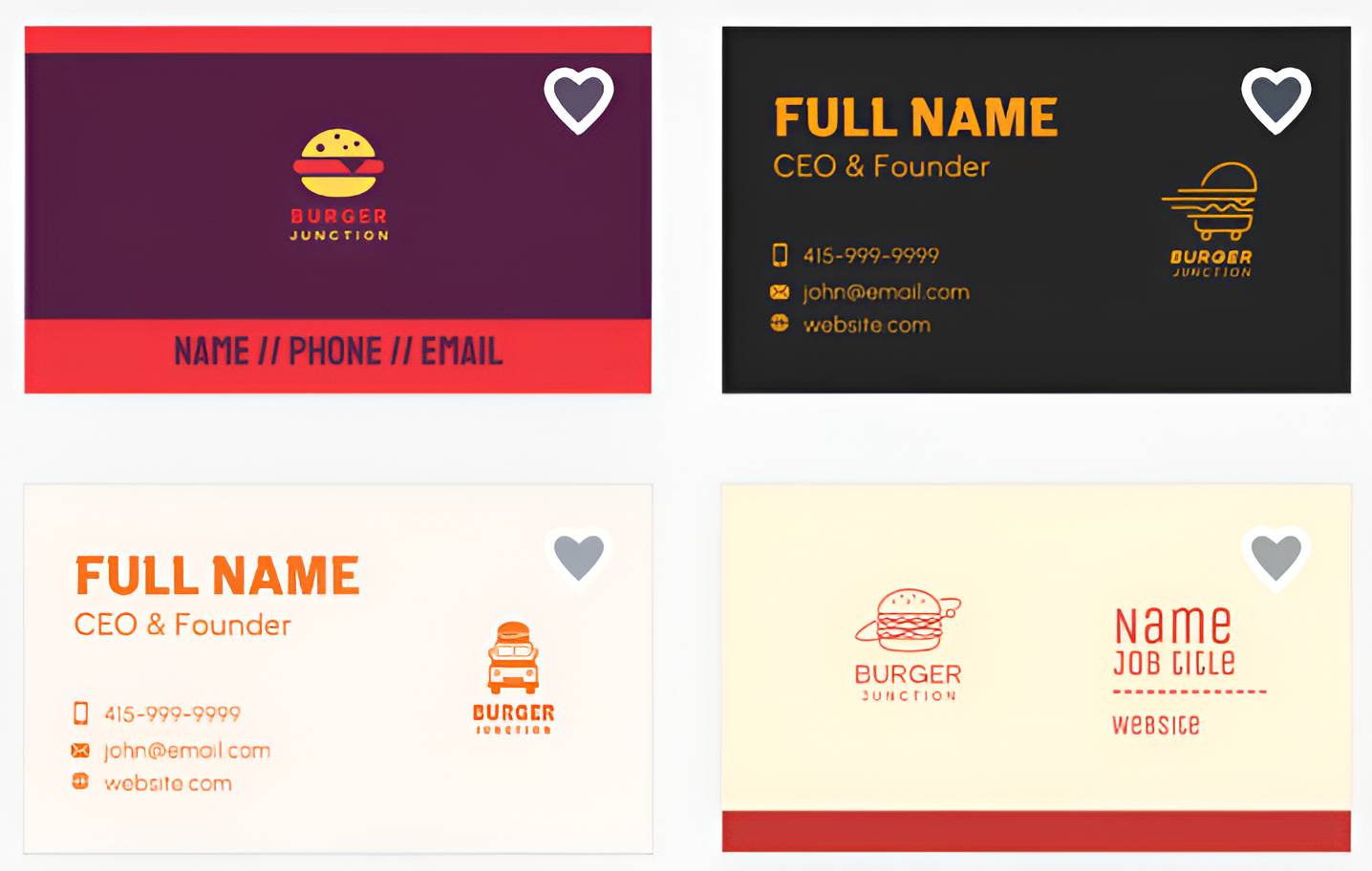
You can also create business cards, social media graphics, flyers, and other marketing materials,
making BrandCrowd a practical choice when you’re building your initial visual identity.
Why we recommend BrandCrowd:
- 400,000+ logo templates
- 1 million+ total design templates
- AI Logo Maker and other AI tools
- Easy customization of fonts, colors, icons, and layouts
- Business cards, social media, and marketing design tools
- Beginner-friendly interface
When should a startup use BrandCrowd?
Great for founders who need a logo and several branded marketing assets without hiring a designer.
Pricing: Free option available. Paid plans start from $3/month when billed annually
#3. Canva
Best for: Everyday marketing content
Canva is a flexible design platform that can handle many of the everyday visual tasks startups face. From social media posts and presentations to flyers and marketing graphics, you can start with a template and customize it to match your brand.
Its simple drag-and-drop editor makes it approachable for founders and small teams, while its AI features can speed up content creation.
Why we recommend it:
- Large library of templates
- Easy drag-and-drop editor
- AI-powered design and content tools
- Brand Kit for storing brand colors, fonts, and logos
- Social media, presentation, and marketing templates
- Collaboration features
When should a startup use it?
Ideal once you’re regularly creating social posts, presentations, ads, and other marketing content.
Pricing: Free plan available. Canva Pro is available as a paid subscription.
#4. Figma
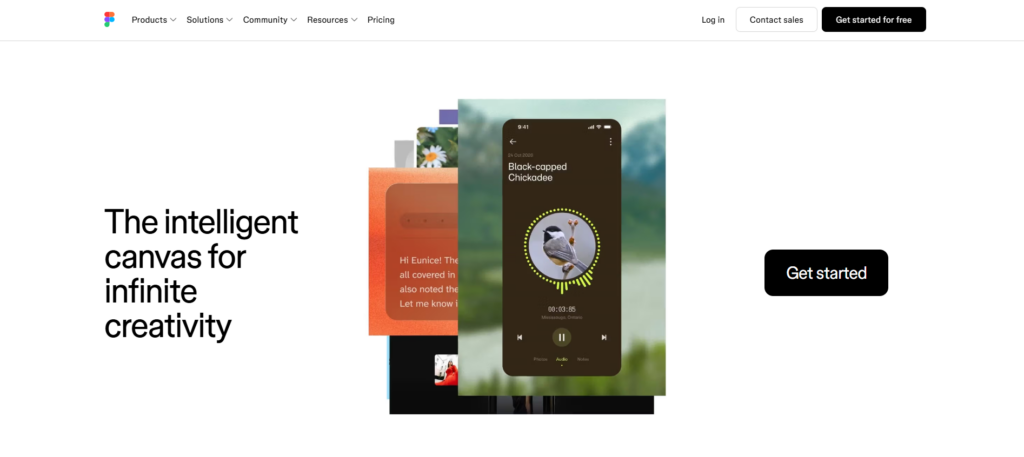
Best for: Collaborative design
Figma is a powerful option for startups that need more control over their designs and want multiple people to work together. It’s particularly useful for creating interface designs, websites, product visuals, and design systems.
Unlike simpler design tools, Figma has a steeper learning curve, but that extra flexibility becomes valuable as your startup develops a dedicated design or product team.
Why we recommend it:
- Collaborative design workspace
- Design systems and reusable components
- Website and interface design
- Prototyping tools
- Real-time collaboration
- Useful for maintaining consistent visual styles
When should a startup use it?
Best for startups with designers, developers, or product teams who need a shared design workspace.
Pricing: Free plan available, with paid plans for additional features and collaboration.
#5. Adobe Express
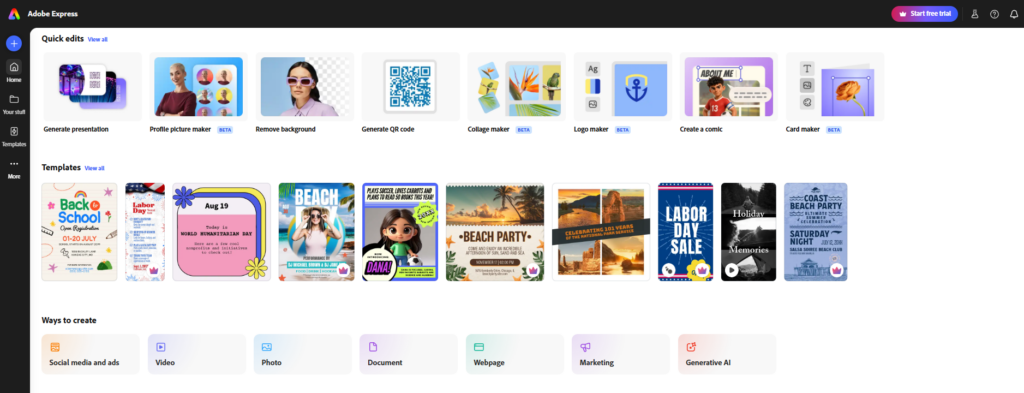
Best for: Quick creative content
Adobe Express gives startups a simple way to create graphics, videos, social posts, flyers, and other marketing content. It combines Adobe’s creative tools with templates and a beginner-friendly interface.
It’s a good middle ground if you want more creative capabilities than a basic template platform, but don’t want to learn more advanced Adobe software.
Why we recommend it:
- Templates for social media and marketing
- AI-powered creative tools
- Graphic and video creation
- Background removal and image editing
- Brand kits
- Adobe ecosystem integration
When should a startup use it?
Useful for founders who regularly need to create visual marketing content but don’t have a dedicated designer.
Pricing: Free plan available, with premium features on paid plans.
#6. Coolors
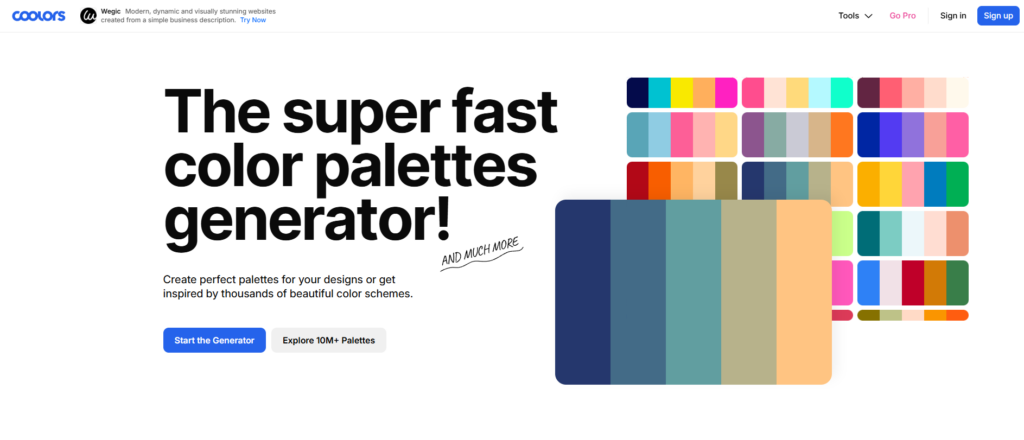
Best for: Choosing brand colors
Choosing brand colors can be surprisingly difficult when you’re starting from scratch. Coolors makes the process easier by generating color palettes that you can explore and adjust.
You can lock colors you like, experiment with different combinations, and find color palettes that work well together.
Why we recommend it:
- Fast color palette generation
- Easy color exploration
- Palette customization
- Color contrast tools
- Simple interface
When should a startup use it?
Use it early when you’re establishing your visual identity and need help settling on a consistent color palette.
Pricing: Free option available, with additional features available through paid options.
#7. Google Fonts
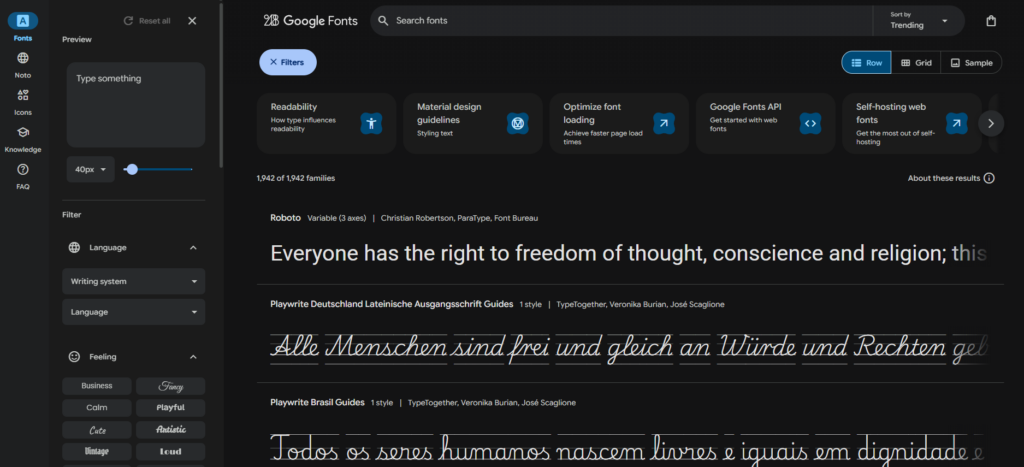
Best for: Free brand fonts
Google Fonts is one of the easiest places for a startup to find font trends for its brand. The library contains a wide range of free fonts that can be used across websites and marketing materials.
It’s particularly useful when you’re trying to establish a typography style without adding another subscription to your startup’s expenses.
Why we recommend it:
- Large collection of free fonts
- Easy font previews
- Web-friendly options
- Open-source fonts
- Useful for websites and marketing materials
When should a startup use it?
Use it when choosing your primary and secondary brand fonts.
Pricing: Free.
#8. Fontjoy
Best for: Finding font combinations
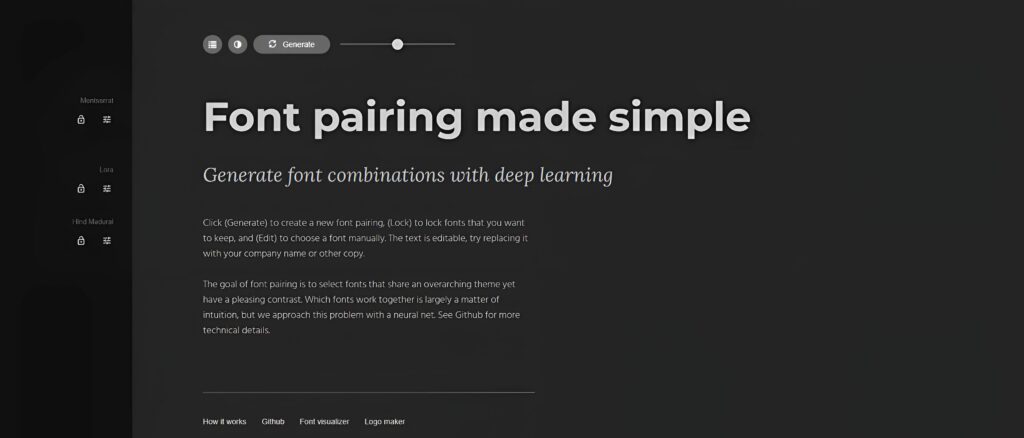
Choosing one font is easy enough. Choosing two or three that actually look good together is another story. Fontjoy uses machine learning to help you find font combinations that work well together.
It’s a handy tool when you’re creating your visual identity and aren’t sure which typefaces to pair.
Why we recommend it:
- AI-assisted font pairing
- Easy font combination testing
- Simple interface
- Useful for finding complementary typefaces
When should a startup use it?
Use it when you’re establishing your brand typography and want help finding font combinations.
Pricing: Free.
#9. Buffer
Best for: Consistent social media
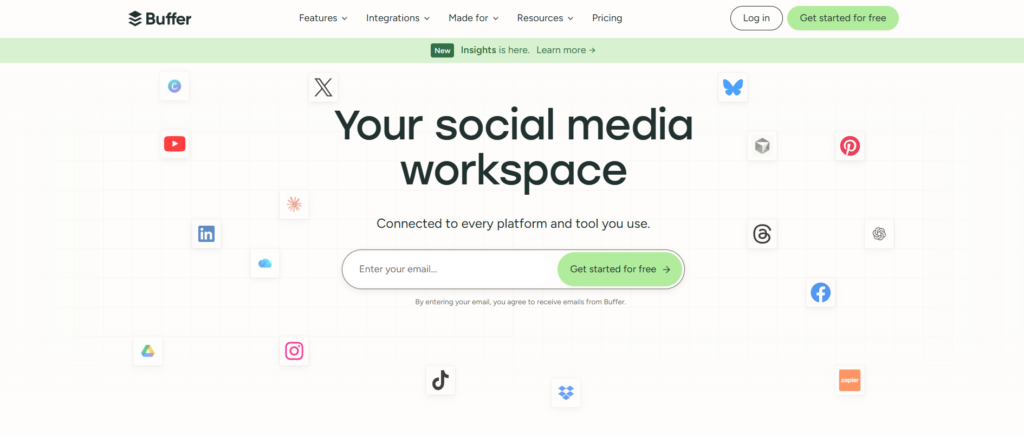
Once your startup starts posting regularly, creating the content is only half the job. Buffer helps you organize and schedule your social media posts so your brand stays active across different platforms.
It can be particularly useful when you’re a one-person marketing team trying to maintain a consistent posting schedule.
Why we recommend it:
- Social media scheduling
- Content planning
- Multiple social platforms
- Analytics and reporting
- Simple publishing workflow
When should a startup use it?
Useful once you’re actively building an audience through social media and need a more organized publishing process.
Pricing: Free plan available, with paid plans for additional features.
#10. Mailchimp
Best for: Branded email marketing
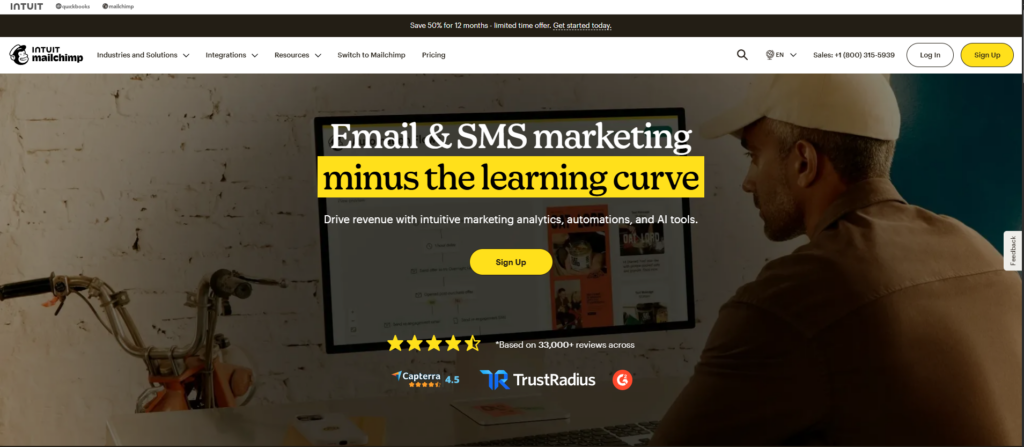
Email can become one of a startup’s most important marketing channels, especially when you’re building a list of potential and existing customers. Mailchimp helps you create branded emails and automate parts of your email marketing.
You can use templates and saved branding elements to keep your emails consistent with the rest of your business.
Why we recommend it:
- Email templates
- Marketing automation
- Audience management
- Campaign analytics
- Branding and customization tools
When should a startup use it?
Consider it once you’re collecting customer emails and ready to build regular email campaigns.
Pricing: Free/limited plan available, with paid plans for additional features.
#11. Notion
Best for: Creating brand guidelines
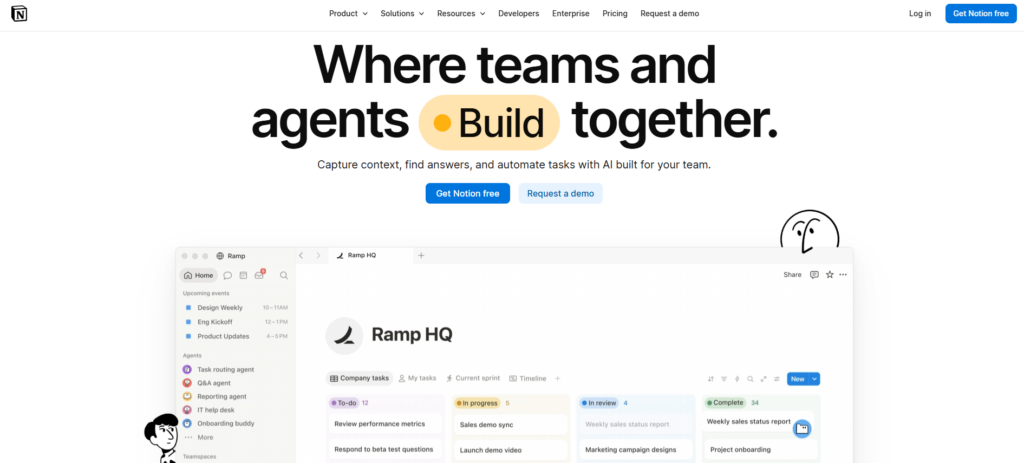
Notion isn’t a design tool, but it can become one of the most useful tools in your branding stack. You can create a central brand hub containing your logo files, color codes, fonts, messaging, brand voice, and guidelines.
This becomes especially useful once more people start working on your startup’s marketing.
Why we recommend it:
- Brand guideline documentation
- Shared workspace
- Easy collaboration
- Centralized brand information
- Templates and databases
When should a startup use it?
Start early. Even a simple one-page brand guide can prevent your team from using different versions of your branding.
Pricing: Free plan available.
#12. HubSpot
Best for: Marketing and customer relationships
Notion isn’t a design tool, but it can become one of the most useful tools in your branding stack. You can create a central brand hub containing your logo file formats, color codes, fonts, messaging, brand voice, and guidelines.
This becomes especially useful once more people start working on your startup’s marketing.
Why we recommend it:
- Brand guideline documentation
- Shared workspace
- Easy collaboration
- Centralized brand information
- Templates and databases
When should a startup use it?
Start early. Even a simple one-page brand guide can prevent your team from using different versions of your branding.
Pricing: Free plan available.
#13. Grammarly
Best for: Keeping your brand voice consistent
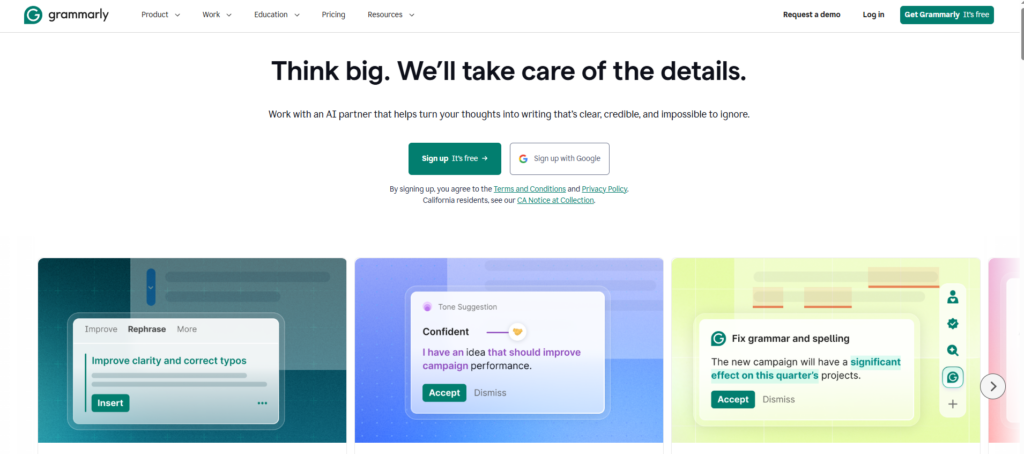
Your brand isn’t just what it looks like. It’s also how it sounds. Grammarly can help startups improve their writing and maintain a more consistent tone across website copy, emails, social posts, and other communications.
It’s especially handy when several people are writing content for the same brand.
Why we recommend it:
- Grammar and spelling checks
- Writing suggestions
- Tone guidance
- AI writing assistance
- Useful across different types of marketing content
When should a startup use it?
Use it whenever you’re producing customer-facing content and want your messaging to sound polished and consistent.
Pricing: Free plan available, with additional features on paid plans.
#14. Wix
Best for: Building a branded website
Your website is often the first place potential customers see your startup, so it needs to look like an extension of your brand. Wix gives startups a beginner-friendly way to build a branded website without needing to code.
You can customize the design, add your logo and brand colors, and create pages that match the visual branding you’ve established elsewhere.
Why we recommend it:
- Website builder
- Templates
- AI website tools
- Customizable branding
- Drag-and-drop editor
- Business and marketing features
When should a startup use it?
Use it when you’re ready to launch your website or need a simple online presence without hiring a developer.
Pricing: Free option available, with paid plans for additional website features.
#15. Google Alerts
Best for: Basic brand monitoring
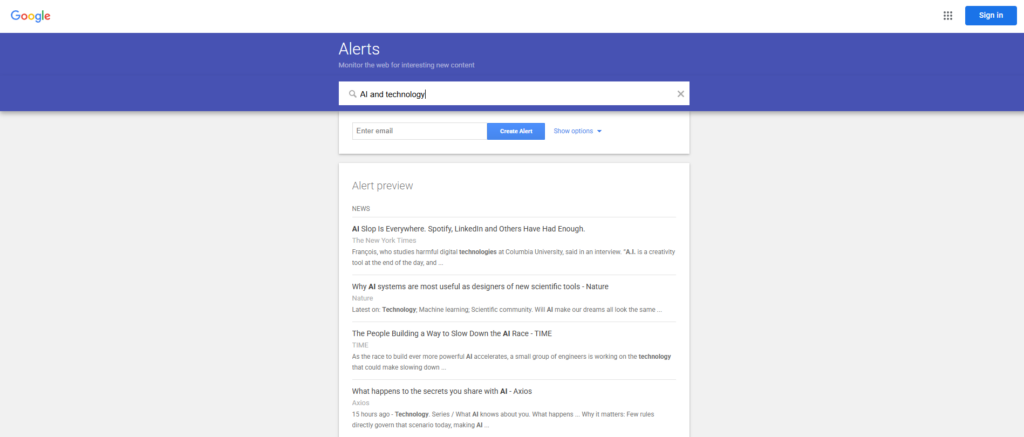
Once people start talking about your startup online, you’ll want to know about it. Google Alerts is a simple way to monitor mentions of your company name, founder name, product, or other important keywords.
It’s not a full brand monitoring platform, but for an early-stage startup, it can provide a useful starting point without adding another expense.
Why we recommend it:
- Email alerts for selected keywords
- Easy to set up
- Monitor your company name
- Track relevant topics and competitors
- Completely free
When should a startup use it?
Set it up as soon as your startup launches so you can keep an eye on mentions of your brand.
Pricing: Free.
#16. Frontify
Best for: Growing brand teams
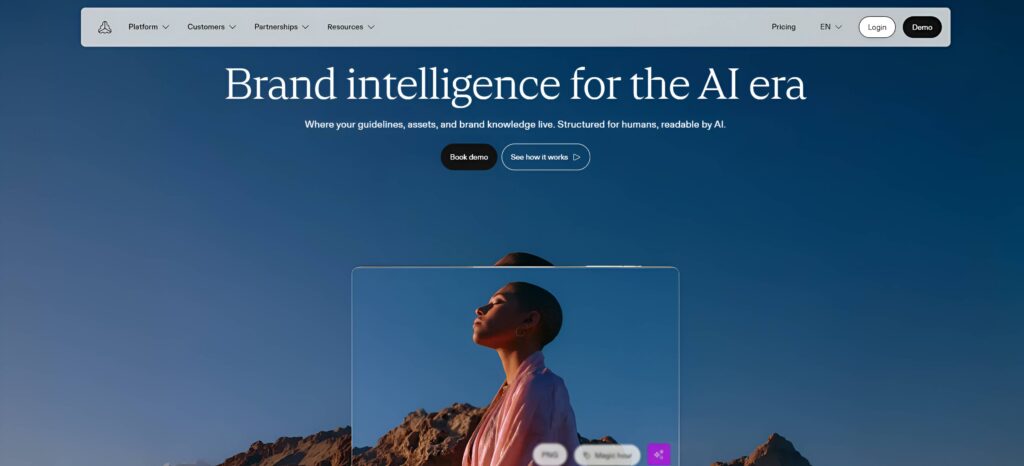
Frontify is designed for businesses that have moved beyond simply creating brand assets and now need to manage them. It gives teams a central place for brand guidelines, assets, templates, and other brand information.
For a very early-stage startup, this may be more than you need. But once your marketing team grows and you’re working with agencies, freelancers, or multiple departments, having one source of truth can become extremely valuable.
Why we recommend it:
- Centralized brand guidelines
- Brand asset management
- Shared templates
- Collaboration features
- Helps maintain brand consistency
- Useful for larger and growing teams
When should a startup use it?
Consider Frontify once your startup has a growing team and managing brand assets across different people becomes difficult.
Pricing: Paid plans are available based on business needs.
Which Branding Tool Does Your Startup Actually Need?
This gives you a chance to prevent the article from ending as just a long list of tools. You can organize recommendations by startup stage, budget, or specific need.
For example:
If you’re starting with a small budget
You could recommend a simple stack using mostly free tools:
- Design.com or BrandCrowd for your logo and initial brand assets
- Coolors for your color palette
- Google Fonts for typography
- Fontjoy for font pairing
- Canva for social media and marketing graphics
- Notion for basic brand guidelines
- Google Alerts for brand monitoring
If you’re preparing for launch
Recommend a more complete launch stack:
- Design.com or BrandCrowd for visual identity and branded materials
- Wix for the website
- Canva or Adobe Express for marketing content
- Mailchimp for email marketing
- Notion for brand guidelines
- Buffer for social media scheduling
If your startup is growing
This is where you can introduce more advanced tools:
- Figma for collaborative design
- HubSpot for CRM and marketing
- Grammarly for consistent brand voice
- Buffer for social media management
- Frontify for centralized brand assets and guidelines
If you only want 5 tools
This could be particularly useful for SEO and readers who don’t want to read through all 16 recommendations.
We’d recommend:
- Design.com – for creating your initial brand identity and assets
- Canva – for everyday marketing content
- Wix – for your website
- Buffer – for social media
- Notion – for keeping your brand guidelines organized
You don’t need to subscribe to 16 different branding tools to build a strong startup brand. Start with the tools that solve your immediate problems, then add others as your business grows. The goal isn’t to have the biggest branding stack. It’s to have a simple system that helps you create a recognizable and consistent brand.
Conclusion
Building a strong brand doesn’t mean spending a huge amount of money or hiring a full creative team from day one. For most startups, the goal is to start with the essentials and build from there.
The right branding tools can help you create a professional visual identity, keep your messaging consistent, build marketing materials, launch your website, and manage your brand as your business grows. You don’t need to use every tool on this list. Choose the ones that solve your biggest needs right now, then add more as your startup develops.
Most importantly, focus on consistency. A clear logo, recognizable colors, suitable fonts, and a consistent voice can make your startup look more established and trustworthy, even when you’re still a small team.
Your brand will evolve as your business grows, and that’s okay. Start simple, stay consistent, and use the tools that help you spend less time figuring out your branding and more time building your business.
Frequently Asked Questions
Which free branding tools are best for a new business?
For a new business, free tools like Design.com, BrandCrowd, Coolors, Google Fonts, and Notion can cover most of the basics. Design.com and BrandCrowd are useful for creating logos and branded assets, while the others can help with colors, typography, and organizing your brand guidelines.
What tools do startups need to build a brand identity?
It depends on what stage your startup is at, but these are some of the basic tools most businesses need to build a strong and consistent brand identity:
- Logo design tools to create a professional logo and supporting brand assets, such as Design.com.
- Color palette tools to choose a consistent set of brand colors.
- Font libraries to find typography that fits your brand.
- Design tools for creating social media posts, ads, flyers, and other marketing materials.
- Brand guideline tools to document your logo, colors, fonts, and visual style in one place.
How can a startup create a professional brand on a small budget?
You do not need to hire a full creative team from day one. Start with the essentials: a clear logo, a consistent color palette, suitable fonts, and a few branded templates. Free and affordable branding tools can help you create these assets yourself and build on them as your business grows.
Which branding tool can create a logo and social media assets?
If you want to create both from the same platform, Design.com and BrandCrowd are good options. Both let you start with a logo and create matching social media graphics and other marketing materials around your visual identity.
How do startups keep their branding consistent across platforms?
Start by deciding on your core brand elements, including your logo, colors, fonts, and tone of voice. Document these in simple brand guidelines and use the same visual style across your website, social media, emails, and other marketing materials.
What should be included in a startup branding toolkit?
A startup branding toolkit should include everything you need to present your business consistently. This usually means your logo, brand colors, fonts, social media and marketing templates, website assets, and a simple set of brand guidelines. You can then add tools for things like social media scheduling, email marketing, and brand management as your startup grows.