Best AI Logo Makers for Professional Branding
A logo made by AI used to be easy to spot. Generic icon, safe color palette, and a font that looked fine on a screen but fell apart the moment you tried to build a complete brand around it. That gap between “AI-generated” and “professional-grade” has closed fast. Today’s tools can create identities that extend beyond logo design to websites, business cards, social media graphics, packaging, and other branded materials.
The catch is that not every AI logo maker is built for serious business use. Some prioritize speed, while others are better suited to quick experiments or personal projects. Only a handful deliver designs consistent and versatile enough to carry a brand across different formats and applications.
We compared the leading options based on how well their output holds up beyond the initial logo preview.
How we picked these tools
We were not grading these on “does it generate a logo.” Almost every tool on the market can do that now. Instead, we judged each platform against the standards a real brand identity needs to meet.
Output quality under real use. We tested each tool with the same business brief and looked at whether the results felt distinct and intentional, or like recolored versions of the same template.
- Editing depth. A logo you cannot meaningfully adjust is a starting point, not a finished asset. We checked how much control each tool gives you over layout, typography, and icon detail.
- Brand consistency tools. Professional branding is rarely just a logo. We looked at whether each platform extends that identity into color systems, typography pairing, and supporting assets.
- File readiness. A logo that only exports as a small PNG is not usable for print, signage, or merchandise. We checked what file formats are actually available and at what tier.Best AI Logo Makers for Professional Branding
- Speed to a usable result. We timed how long it took to go from a blank prompt to a logo we would actually be willing to usBest AI Logo Makers for Professional Brandinge, not just look at.
- Pricing and value. We compared what each platform offers for free, what features sit behind a paid plan, and how the starting price stacks up against the tools included.
Quick comparison table
| Tool | AI-Powered | Brand Kit Included | Vector Export | Free Plan | Paid Plan Starting At |
| Design.com | Yes | Yes | Yes | Yes | $3/month billed annually ($9/month) |
| BrandCrowd | Yes | Yes | Yes | Yes | $3/month billed annually ($9/month) |
| Canva | Yes | Paid only | Paid only | Yes | $15/month (120/year) |
| Adobe Express | Yes | No | Yes (limited credits) | Yes | $9.99/month |
| Wix Logo Maker | Yes | No | No (paid tier only) | Yes | $49 one-time |
| Vistaprint | Yes | No | Yes | Yes | Custom design services from $90 |
What Makes a Logo Good for Professional Branding?
Before we discuss the full breakdown of the tools, it’s important to understand what makes a logo effective for professional branding. A strong logo should communicate credibility while remaining distinctive and practical across different uses.
- Simple: Easy to recognize without unnecessary complexity.
- Memorable: Distinctive enough to stand out from competitors.
- Relevant: Appropriate for the brand, industry, and target audience.
- Versatile: Works across websites, social media, print, and other materials.
- Scalable: Remains clear and recognizable at both small and large sizes.
- Consistent: Fits naturally with the brand’s colors, fonts, and overall visual identity.
The Full Breakdown
1. Design.com
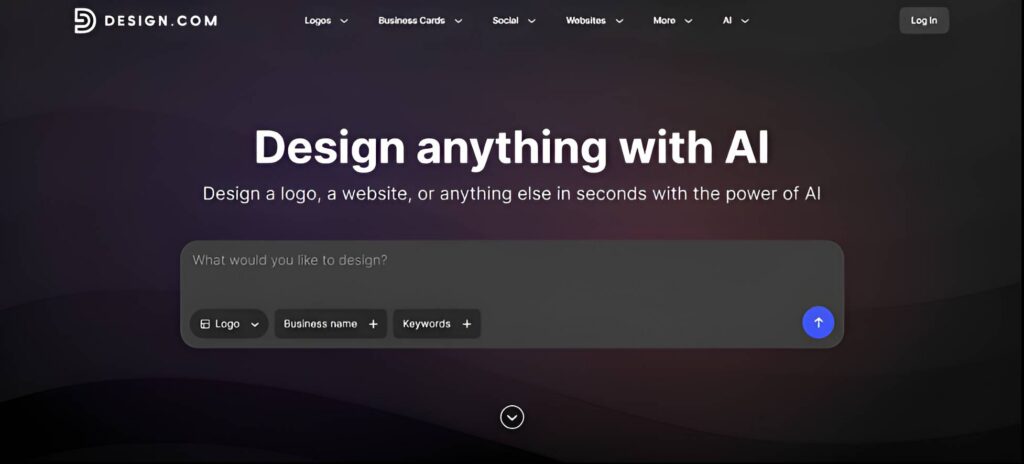
Design.com takes the number one spot for professional branding. Its combination of AI-assisted logo generation, designer-made templates, and an intuitive chat-based editor makes it easy to create polished, distinctive results.
Ask it to make an icon feel more modern or more technical, and the update reflects the actual request within seconds. This is possible with access to 500,000+ templates and over 1 million design assets. The 50+ additional tools make it even more versatile.
Since the AI is trained specifically on logo design, everything stays coherent even after heavy editing, and the free brand kit includes color palettes, font pairings, and social templates without a paywall in the way.
What a Design.com logo looks like
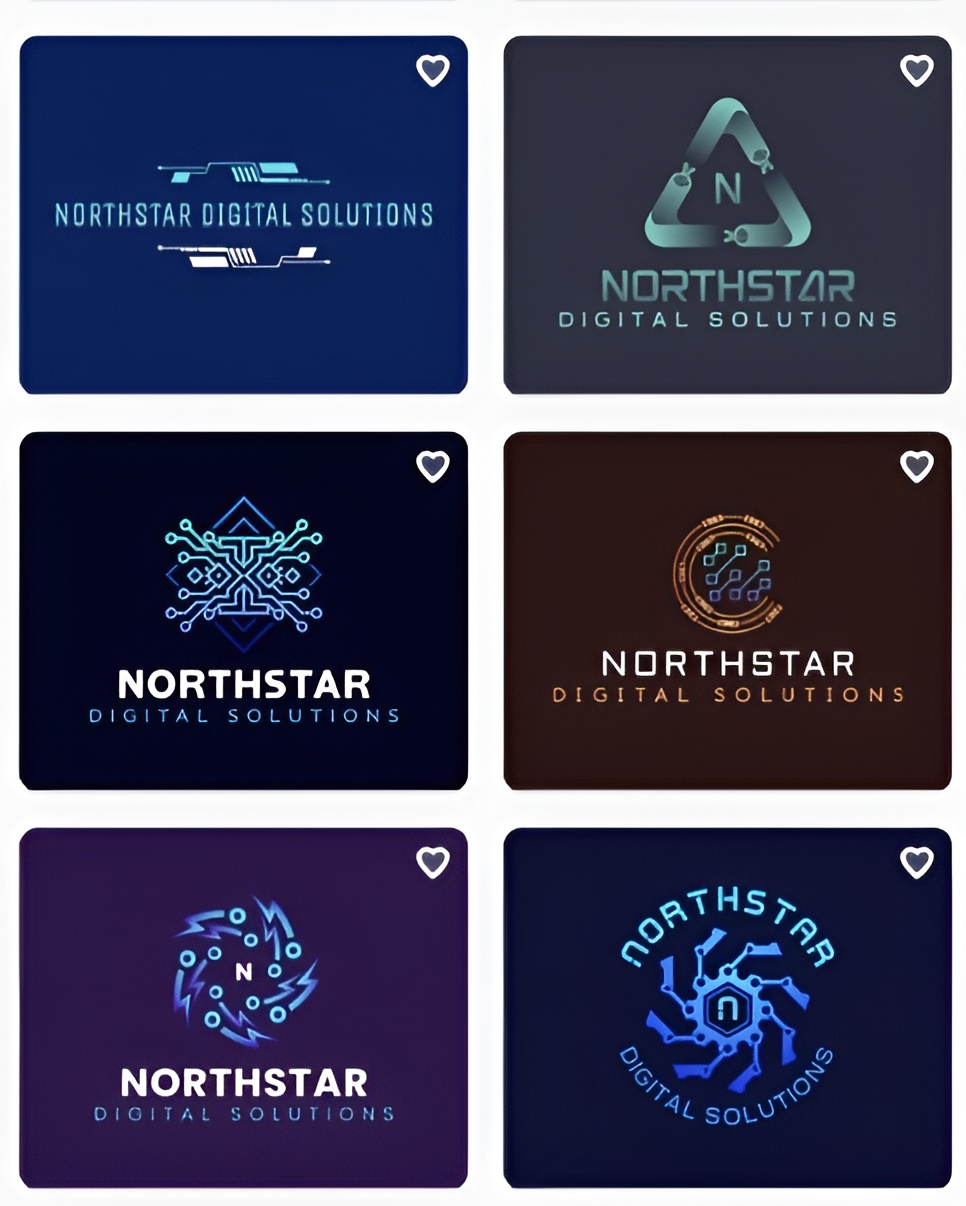
We tested Design.com using Northstar Digital Solutions, a fictional SaaS company. To keep the comparison consistent, we used the same business name across every platform and assessed the results based on quality, variety, and overall value.
Design.com produced professional concepts with strong typography and well-balanced layouts. The designs felt credible for a SaaS business and ready for professional use:
Pricing
| Plan | Price | Includes |
| Free | $0 | AI logo generation, full customization, brand kit, high-res PNG and JPG, vector files (EPS, SVG, PDF), commercial use rights, and no watermark |
| Starter | $3/month billed annually ($9/month billed monthly) | Everything in Free, plus unlimited logo edits, business cards, social posts, email signatures, and letterheads |
| Value | $4/month billed annually ($14/month billed monthly) | Everything in Starter, plus a website |
| Premium | $5/month billed annually ($19/month billed monthly) | Everything in Value, plus link in bio and digital business cards |
Verdict
Design.com is the strongest tool on this list for building a professional brand identity without paying for it. The combination of varied AI generation, a chat editor that understands intent, and a full brand kit on the free plan is not matched anywhere else here.
2. BrandCrowd
BrandCrowd pairs AI suggestions with a library of more than 400,000 designer-made templates. This approach combines AI speed with the quality and consistency of professionally created designs. BrandCrowd offers hundreds of thousands of logo templates across virtually every industry, supported by thousands of exclusive shapes and icons. Its library also includes more than 750 fonts, with over 525 exclusive options, giving businesses greater flexibility to create a distinctive visual identity. The results feel crafted rather than automatically assembled, with AI helping narrow the library to designs relevant to your business and industry.
What a BrandCrowd logo looks like
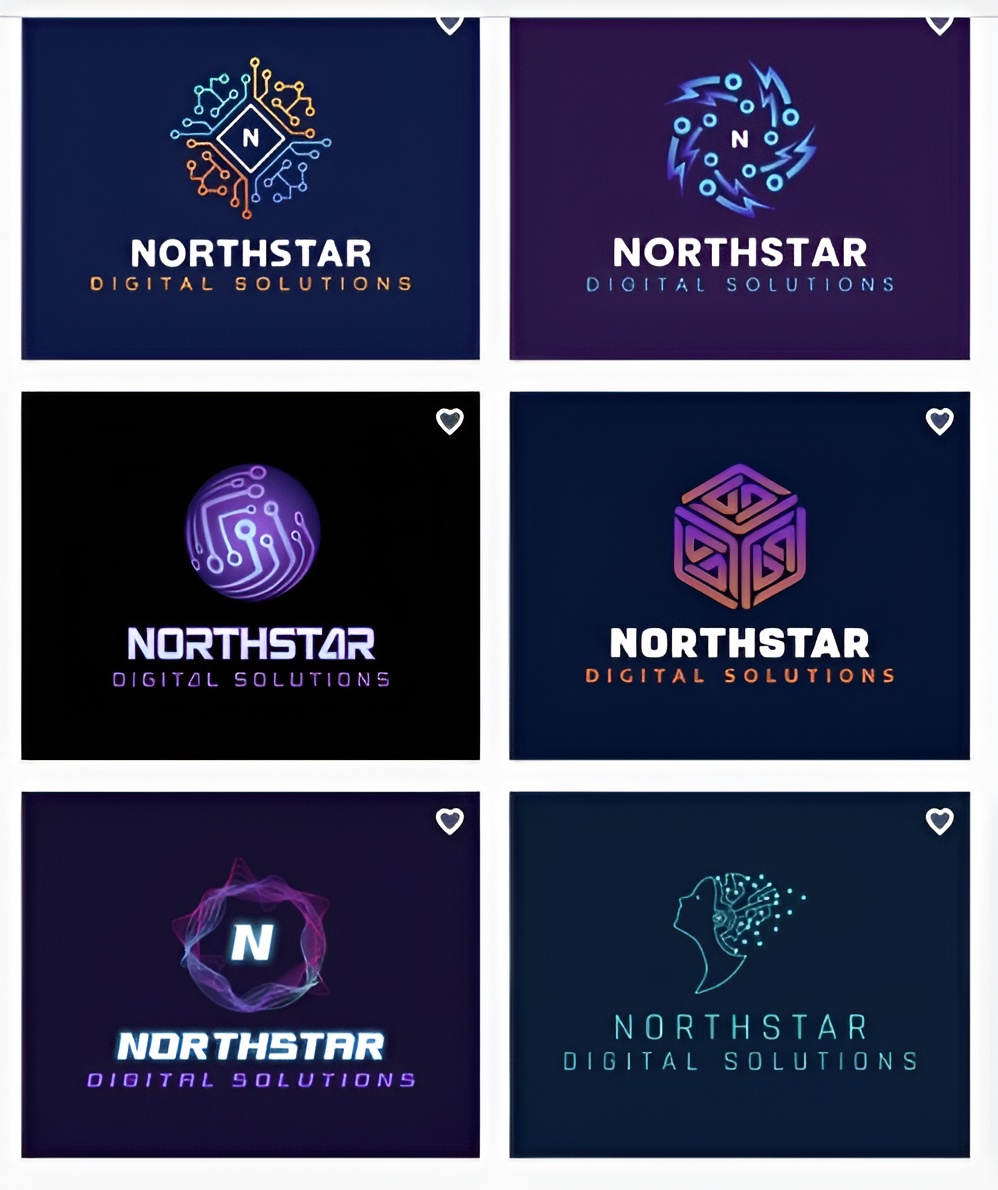
BrandCrowd’s AI logo generator produces industry-relevant concepts across a wide range of visual styles. Here are some sample logos you can get for Northstar Digital Solutions.
Pricing
| Plan | Price | Includes |
| Free | $0 | AI logo generation across templates, full customization, mockup previews, and high-resolution downloads |
| Starter | $3/month billed annually ($9/month billed monthly) | Everything in Free, plus vector files, unlimited edits, business cards, social posts, email signatures, and letterheads |
| Value | $4/month billed annually ($14/month billed monthly) | Everything in Starter, plus a website builder |
| Premium | $5/month billed annually ($19/month billed monthly) | Everything in Value, plus link in bio and digital business cards |
Verdict
BrandCrowd takes the second spot, combining AI-assisted generation with a large library of designer-made templates. Its mockup previews make it easy to see how a logo could look across real-world applications. It is a strong option for businesses that value speed, professional design quality, and a reliable starting point.
3. Canva
Canva gives you plenty of editing freedom after generating a logo, making it easy to adjust a concept without starting again. The trade-off is that some initial results can rely on familiar symbols and layouts, so creating a more distinctive identity may take additional editing.
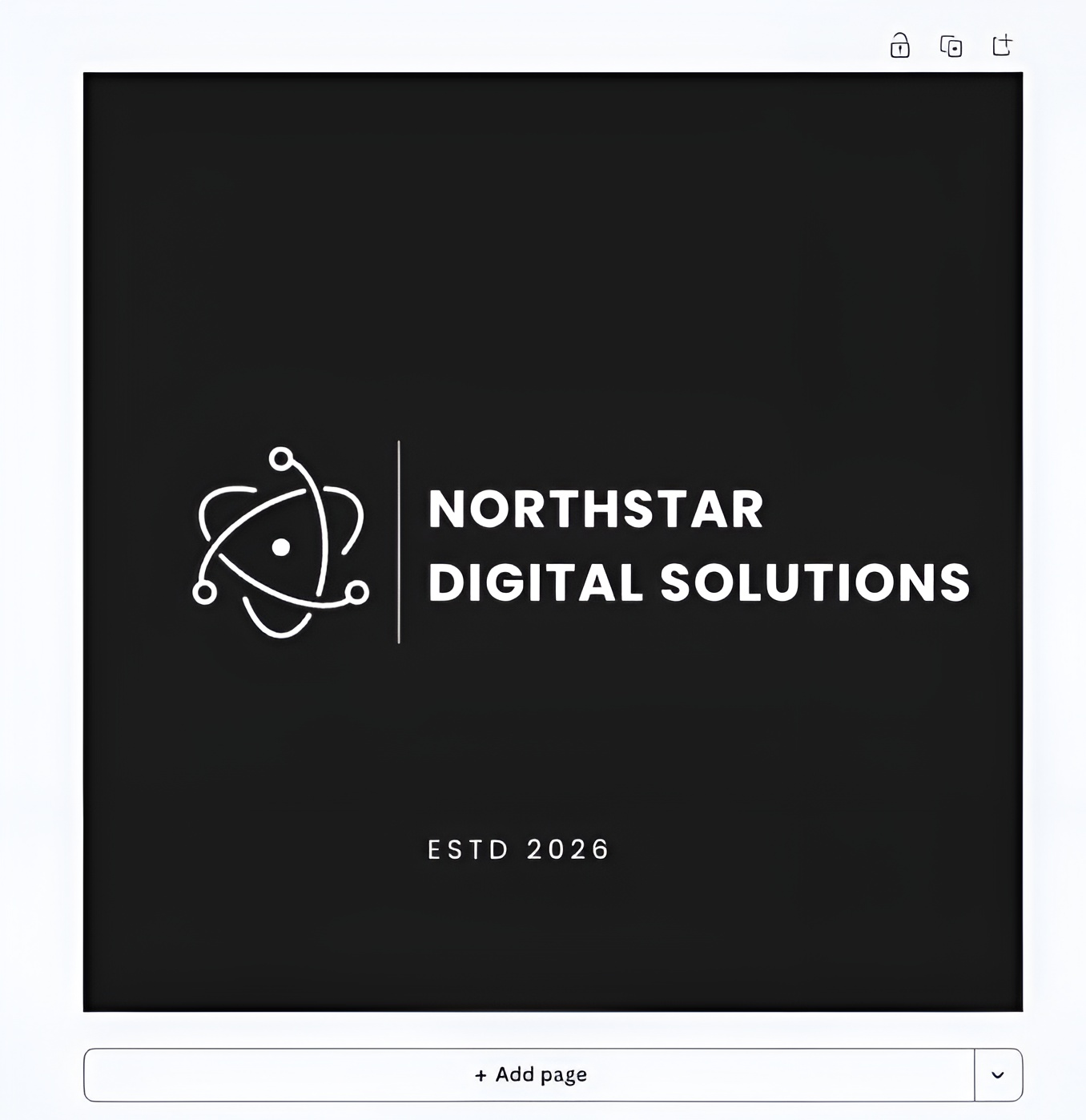
What a Canva logo looks like
For Northstar Digital Solutions, Canva produced a clean and professional logo, though the overall result felt somewhat generic.
Pricing
| Plan | Price | Key Inclusions |
| Free | $0 | Templates, design tools, 5GB storage, limited Brand Kit, and AI allowance |
| Pro | $144/year | Premium content and tools, additional Brand Kits, and 100GB storage |
| Business | $250/year per person | Expanded brand management, collaboration, storage, and AI features |
| Enterprise | Contact Sales | Enterprise administration, security, and brand management |
Verdict
Canva is a strong fit for businesses that want to create a logo and continue designing other marketing materials in the same workspace. The editor gives you considerable control, although the first AI-generated concepts may need refinement to feel less familiar.
4. Adobe Express
Adobe Express keeps the process straightforward, with an accessible editor for adjusting generated concepts. Its free plan provides a useful way to experiment, although generative AI usage is limited compared with paid access.
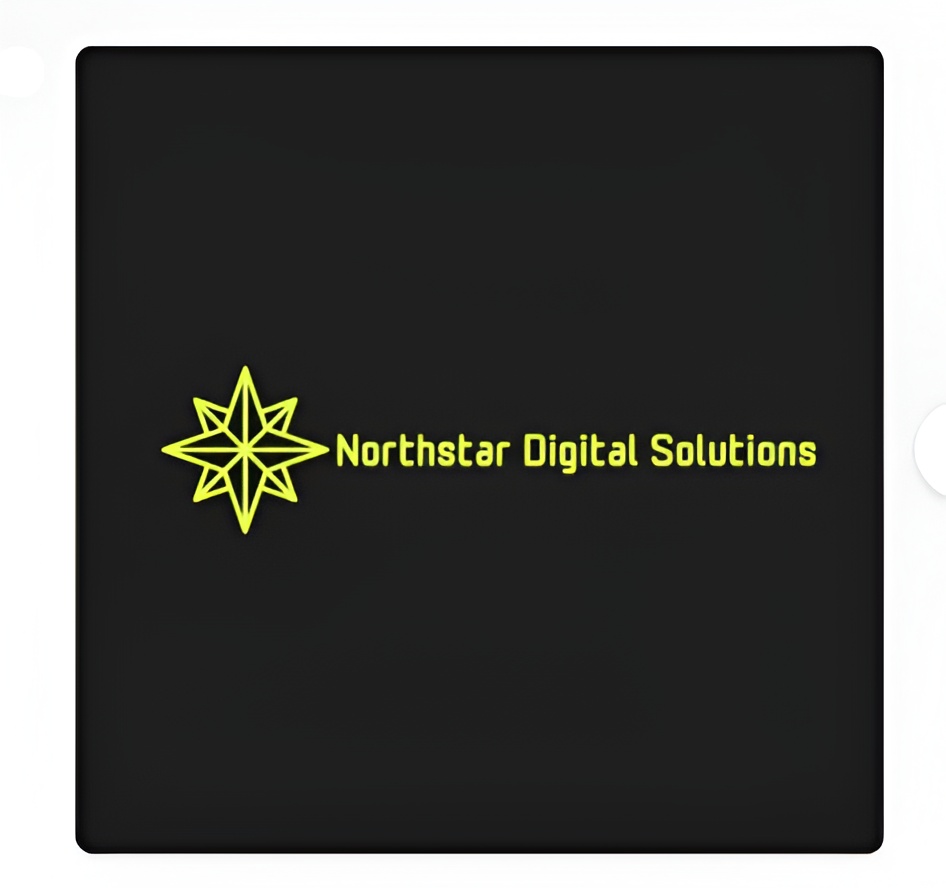
What an Adobe Express logo looks like
The result had a professional and well-balanced appearance, but the overall concept felt fairly standard and could have been more memorable.
Pricing
| Plan | Price | Key Inclusions |
| Free | $0 | Basic creation tools, templates, assets, and limited generative AI |
| Acrobat Express | $10.99/month | Adobe Express Premium, premium templates, additional generative AI access, and Acrobat features |
| Acrobat Express for Teams | $11.99/month per license | Premium creation tools, collaboration, admin features, and AI-powered document tools |
Verdict
Adobe Express provides an accessible way to generate and edit logo ideas without a steep learning curve. The concept we tested was usable, but it needed stronger visual detail to make the identity more distinctive.
5. Wix Logo Maker (Wixel)
Wix Logo Maker uses a guided process that asks about your business and preferred style before presenting designs. This makes the initial setup approachable, although access to higher-resolution and scalable files depends on the plan you choose.
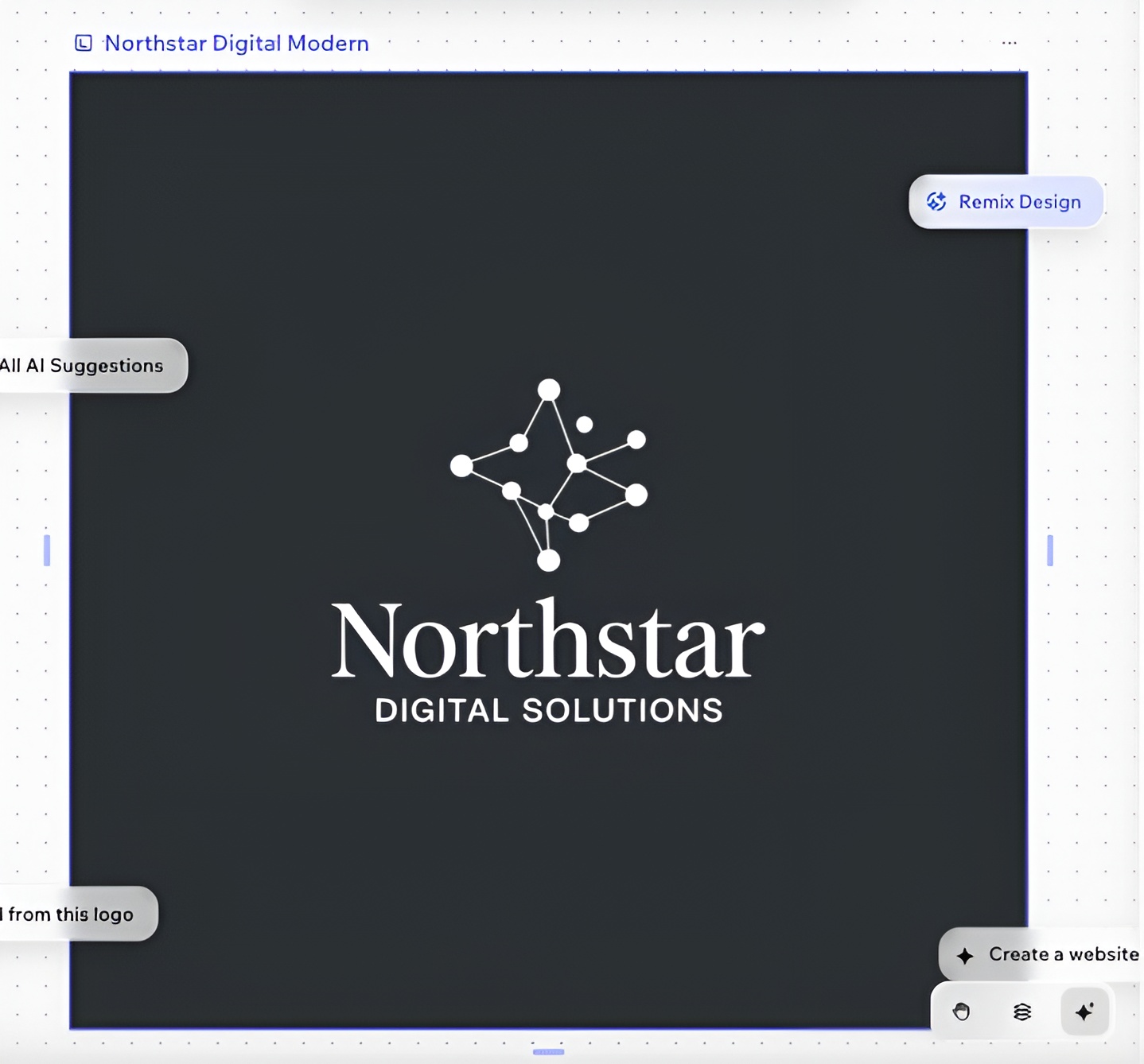
What a Wix logo looks like
The design was simple, polished, and suitable for a professional business, although it did not feel particularly unique or recognizable.
Pricing
| Plan | Price | Key Inclusions |
| Free Sample | $0 | One low-resolution JPG sample |
| Basic | Varies by region | High-resolution PNG files and commercial usage rights |
| Advanced | Varies by region | High-resolution PNG files, scalable SVG files, social media files, email signature, and watermark |
| Brand Plus | Varies by region | Brand Kit, unlimited logo changes, additional logo files, social assets, and business card designs |
Wix also offers Logo and Online Presence plans that combine logo assets with a Wix website.
Verdict
Wix Logo Maker makes the early design process easy to navigate and offers useful scalable files on higher tiers. Its strongest value comes when Wix is already part of your website setup, while standalone users should compare the available packages before purchasing.
6. Vistaprint
Vistaprint takes a practical approach by connecting its AI logo maker with a much larger print ecosystem. This is useful if you plan to move quickly into physical materials, although its broader digital brand-management options are less extensive.
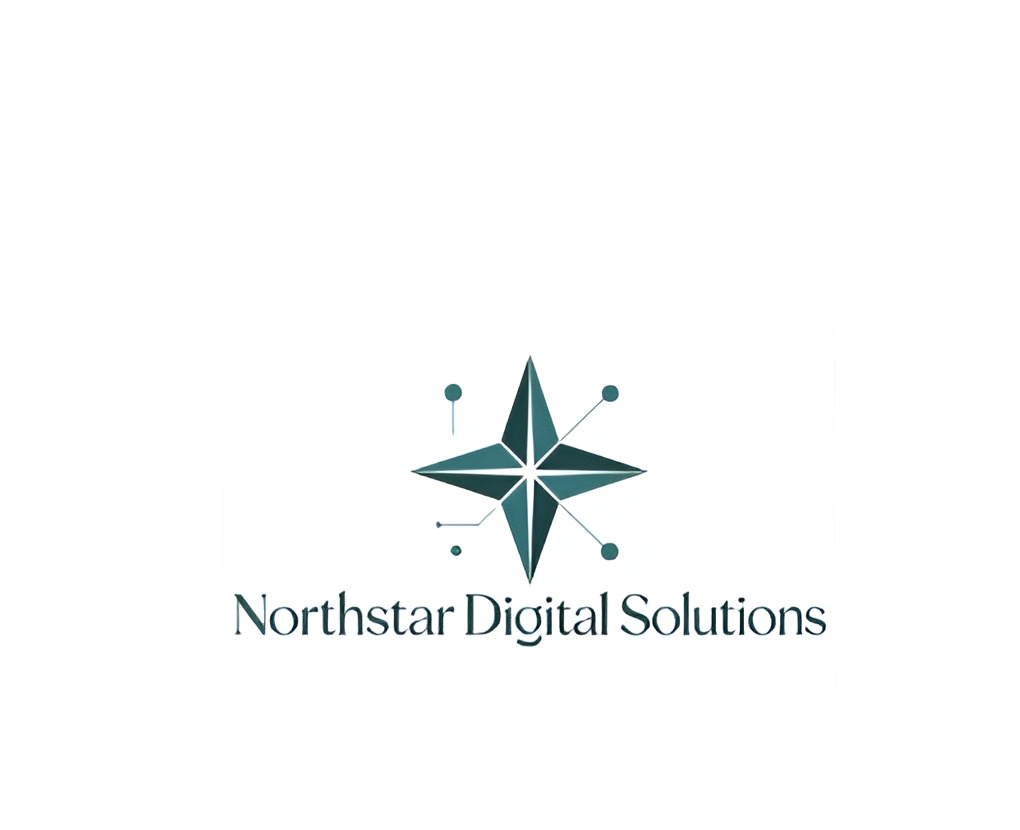
What a Vistaprint logo looks like
The heavier design could translate well to printed applications, but its traditional badge treatment felt less aligned with a modern SaaS identity.
Pricing
| Option | Price | Key Inclusions |
| AI Logomaker | Free | AI-assisted logo creation and logo files for print and digital use |
| Pro Logo Design | Pricing varies | Logo created with a professional freelance designer |
| 99designs Logo Contest | From $349 | Multiple logo concepts were submitted through the designer community |
Verdict
Vistaprint is particularly practical for businesses that expect to move from logo creation into printed materials. Its free AI Logomaker covers the basic creation process, while businesses wanting a broader digital identity system may need additional tools.
How to choose the right AI logo maker
Decide whether you need just a logo or a complete brand identity. If you also need matching colors, fonts, and other brand assets, choose a tool that offers a complete brand kit rather than a standalone logo generator.
Consider how you want to customize your design. Traditional editors give you direct control, while AI-powered chat editing can make revisions much faster by letting you describe the changes you want in plain language.
Check the available file formats before you start. If the logo will be used for printing, signage, or merchandise, make sure the platform supports high-resolution or vector exports without requiring an unexpected upgrade.
Think about the tools you already use. A logo maker connected to your existing website, ecommerce, or design platform can simplify your workflow, even if its AI features aren’t the most advanced.
Our final verdict
Design.com and BrandCrowd are the strongest overall choices for professional branding. Design.com stands out for combining AI logo generation with broader branding tools and an intuitive editing experience. BrandCrowd is particularly strong for its extensive collection of designer-made templates and customization options.
For businesses that want more than a quick logo, both provide a more complete starting point for building a polished and consistent brand identity.